Export Your 'My Open Items' List for a Company Account
Background
If you have been granted access permission to one or more projects in a company's Procore account, you can view a consolidated list of open items that need your action.
Things to Consider
The file is downloaded to your device's default download location.
Steps
Beta Experience
In Beta
Company Administrators can enable the Consolidated My Open Items Workspace beta in Procore Explore. (US 2 | UK)
Navigate to My Open Items (Beta).
From the My Open Items
 icon in the navigation bar: Show / Hide Steps
Optional: Search and Filter your open items.
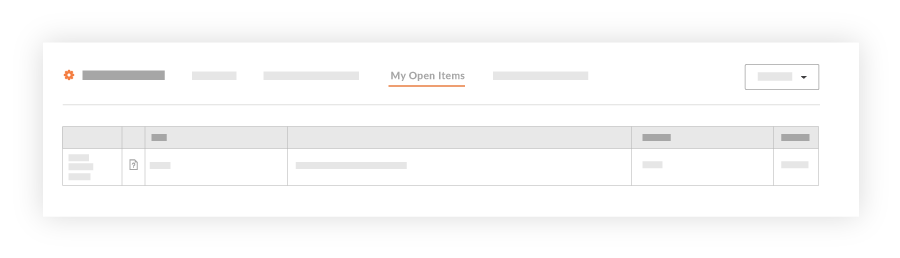
Click Export and select PDF, CSV, or Excel to download your file.

Note
During the Consolidated My Open Items Workspace Beta phase, you will only see cross-company items that originate from companies within the same data zone as your company (e.g., if your company is in the USO1 zone, you will only see cross-company items from other USO1 companies).
General Availability (GA) Scope: The full release will expand to show cross-company items from both US data zones (USO1 and USO2).
Users who have a large number of open items across many projects may notice longer-than-expected loading times for the My Open Items page. We are working to improve the response time for this page before the general availability (GA) release.