How do I mark an assignee as a required responder on an RFI?
Answer
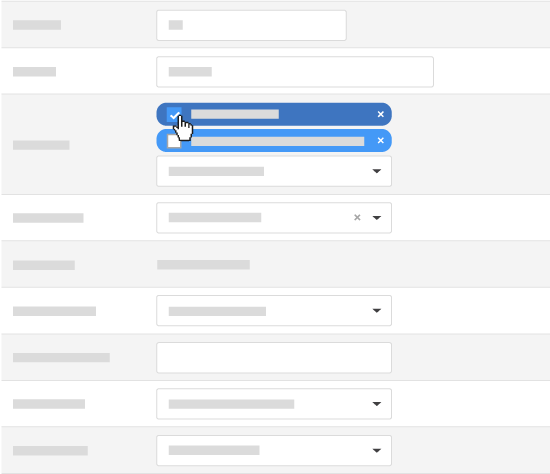
If you are a user with 'admin' level permission on the Project level RFIs tool, you can designate one or more assignees on an RFI. If you want to require responses from any assignee, simply place a tick in next to the person's name. Removing a tick makes a response from the assignee NOT required.
Note: A user with 'admin' level permission can also configure a setting on the RFI tool that will automatically mark all assignee responses as required. See Configure settings: RFI.
If you are an assignee on an RFI, you will also have the option to add assignee to an RFI. For details, see Add assignee to an RFI as an assignee on an RFI.
See Also
Loading related articles...