Details
Key features include the ability to:
Track and manage your company's Equipment information
Track and manage project-specific Equipment
Track time for your Equipment in timesheets
See time entered for Equipment in the Budget
Create and scan Quick Response Codes
Perform Equipment inspection
Add Site Diary entries
Track daywork sheets
Track and manage your company's Equipment information
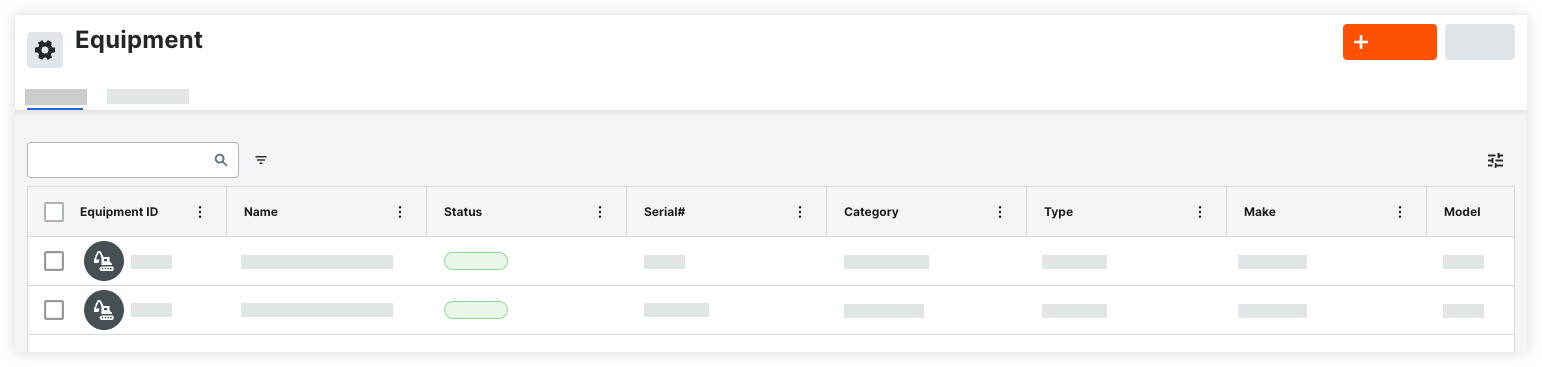
The Equipment tool is a registry of your company's equipment for your job sites. Create an equipment record and manage them by adding or removing them from projects, setting the current project, editing the records or deleting all together. You can also recover deleted equipment records from the recycle bin if needed.
See Create an equipment record in the company Equipment tool.
Track and manage project-specific Equipment
When equipment is assigned to a project, it appears in the project's Equipment tool for your teams to use and manage. See Add or remove equipment from projects in the Project level Equipment tool.
Track time for your Equipment in timesheets
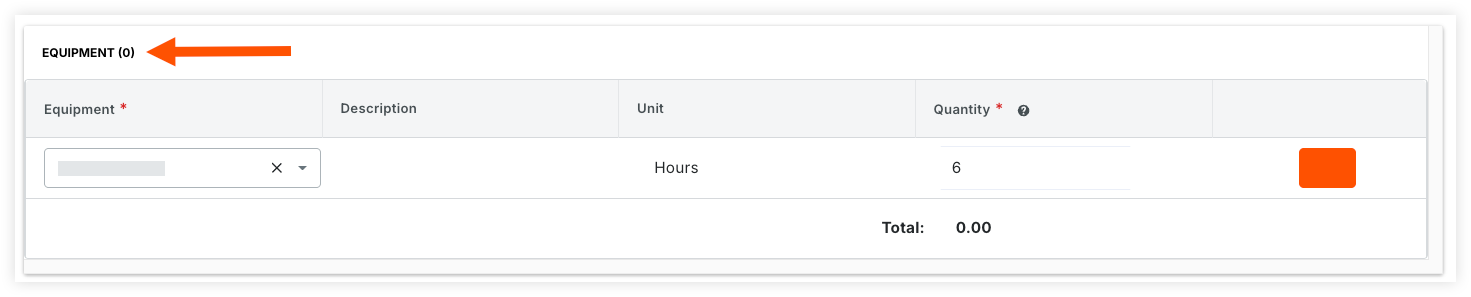
In timesheets, enter time for Equipment to track Productivity. See Create a timesheet.
See time entered for Equipment in the Budget
Track the cost of Equipment. Equipment time entered in timesheets is reflected in your Budget.
Create and scan Quick Response Codes (Beta)
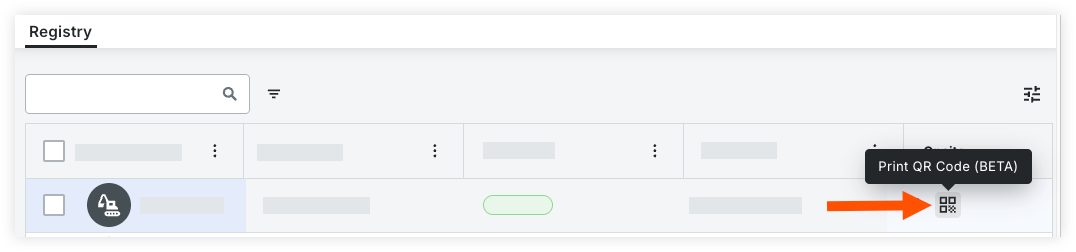
Hover over the equipment record to create a Quick Response Code. Teams on the job site can scan the Quick Response Code to easily identify Equipment in the field or check it in to a project. See Generate and print Quick Response Codes for equipment, Check in project equipment (iOS) and Check in project equipment (Android)
Perform Equipment inspection
Perform inspections on your Equipment using the Inspection tool. See Create a Project level inspection.
Add Site Diary entries
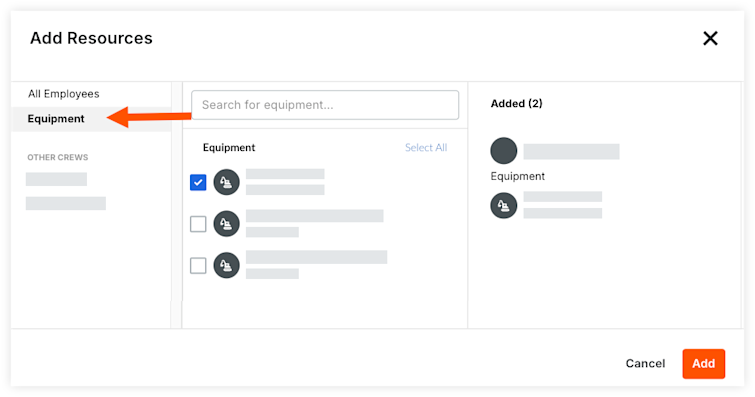
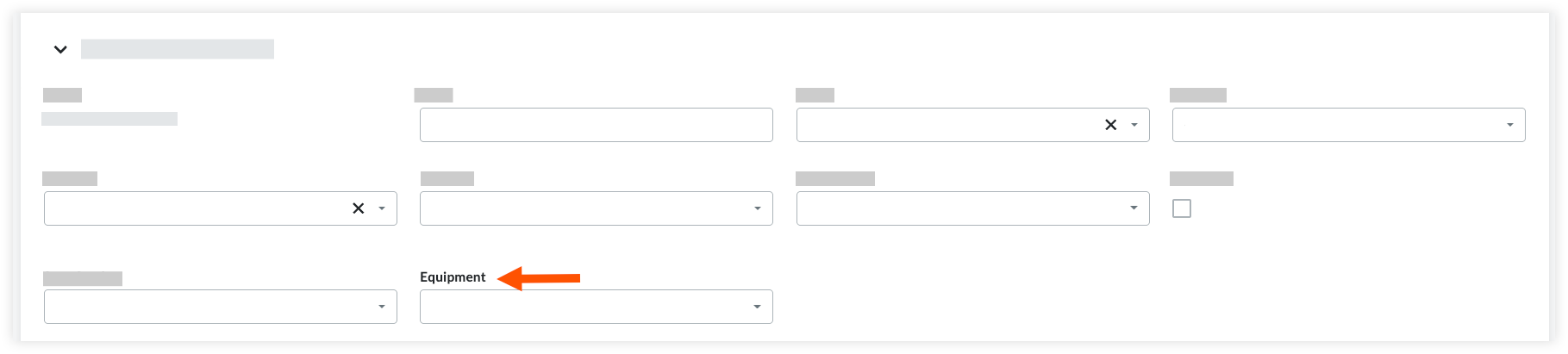
Add Equipment entry to your Site Diary. See Create equipment entries.
Track daywork sheets
Track additional Equipment cost using daywork sheets. See Create a daywork sheet.