Set current project
Background
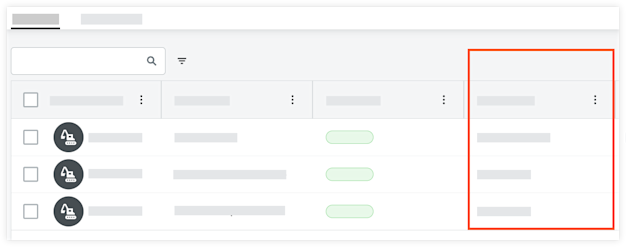
You can assign Equipment to multiple projects and track which one currently has the Equipment 'on-site'.
Beta
Procore administrators can enable the Equipment - geofence & telematics based project tracking beta in Procore Explore. (US 1 | US 2 | UK)
In the Project level location tool, you can set up site boundary location to create geofence.
After you set up geofence, you can configure automated project tracking to automatically update the Equipment 'on-site' field via a telematics connection. When an Equipment GPS location is detected inside our outside the geofence, the system update the Equipment's on-site field accordingly.
Tip
To see all projects equipment is assigned to, see View equipment project assignments.
 ON if the Equipment has arrived on-site.