View file info
The File info window displays key details about the files currently opened in your session. This feature helps ensure version control by notifying you when a newer version of a file has been uploaded to the project's Documents tool, allowing you to refresh and work with the latest data.
Steps
Click File info to open the window. When a project receives an update, a Refresh button appears.
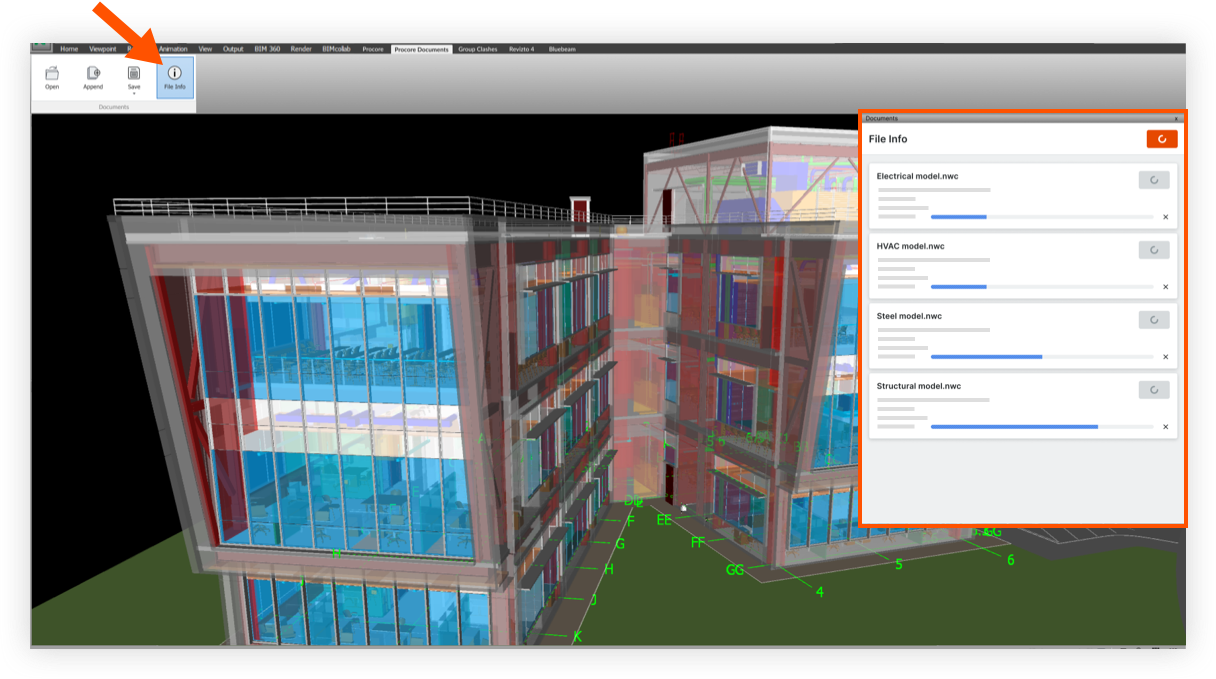
Click Refresh to view the latest version.

Things to Consider
Required User Permissions:
'Read Only' level permissions or higher on the project's Documents tool.