Create a budget view
Background
In Procore, a budget view is a customisable layout that allows teams to display their project's budget data to suit their specific company needs. It acts as a tailored visual arrangement of your budget information. Key benefits of using budget view include:
Customisation: Present the most relevant Budget data for different stakeholders or purposes.
Insights: Gain better insights into your project's financial status.
Reporting: Use these views as data sources for custom budget reports.
A A Procore administrator is a user who has ‘Admin’ level permissions on all the Company level tools in Procore. Granting a user ‘Admin’ level permissions in the Company level Directory tool automatically assigns that user ‘Admin’ permissions on all Company level tools. Also called a company administrator.
Things to Consider
Required User Permissions:
'Admin' level permissions on the Company level Admin tool.
Additional Information:
To create a budget view for real-time labour Productivity, see Resource tracking and project financials: Setup guide.
To create a labour productivity cost budget view, see Set up the Procore labour productivity cost budget view.
Any user with 'Read Only' permission or higher on the Budget tool can apply views to a project's Budget. See Apply the view, Snapshot, group and filter options on a Budget or forecasting view.
Steps
Navigate to the Company level Admin tool.
Under 'Tool settings', click Budget.
TipYou can also access the 'budget view' page from a project's Budget tool. Click the ellipsis
 icon in the top right corner while viewing the 'Budget' tab and select Configure budget view from the drop-down menu.
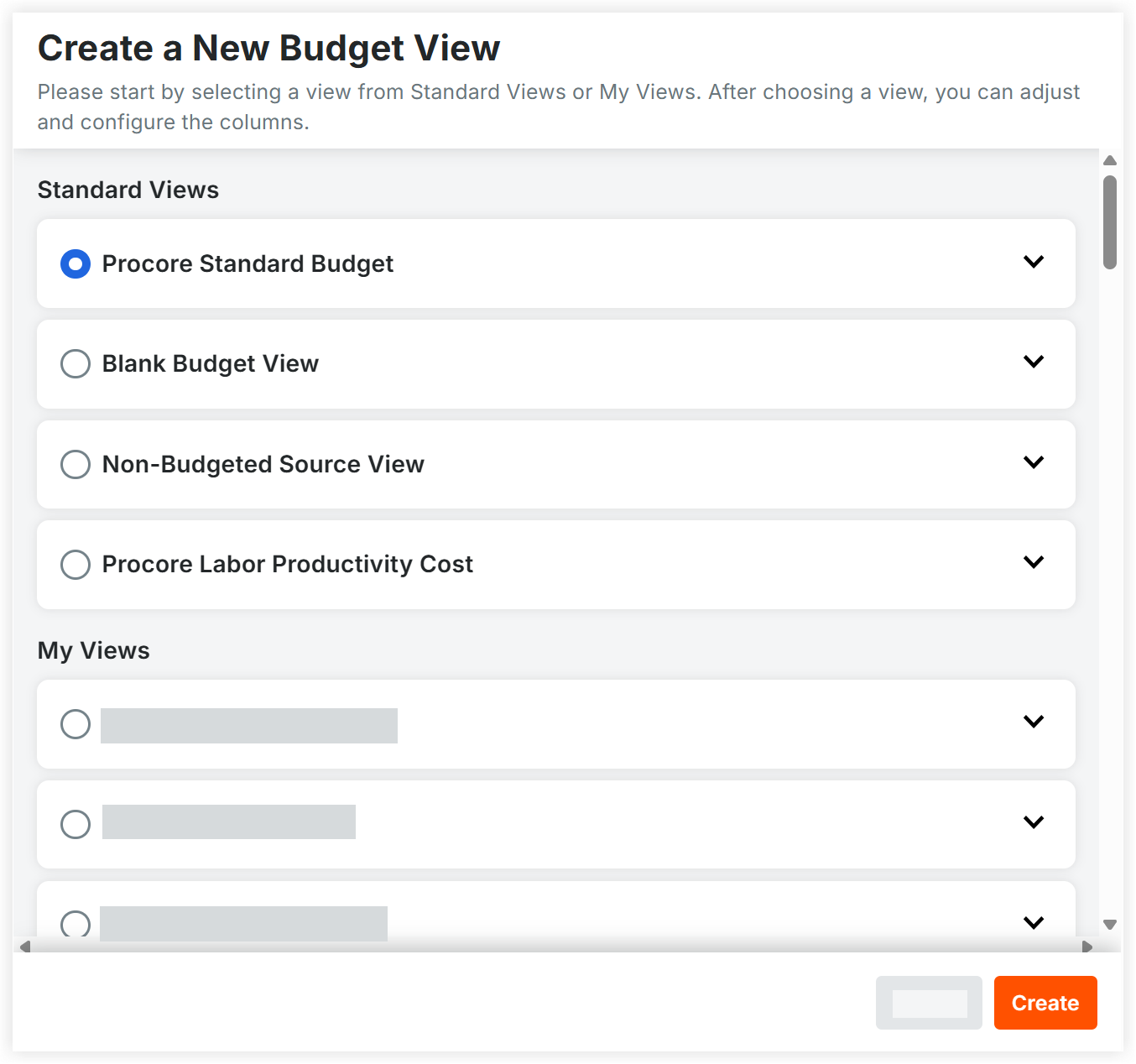
Click + Create.
Procore provides four standard budget view named Procore standard Budget, blank budget view, non-Budget source view and Procore labour productivity cost that contain various standard columns. This example shows you how to set up the view named 'Procore standard Budget'. However, you can use any standard budget view as a starting point for custom a budget view to fit your specific business needs.
 icon next to any column header to set a display name for this view.
 icon or press ENTER to find columns by name.
 icon to view only active columns.
 icon next to individual columns to show or hide them in the view. See