Launch an embedded application in a company
Background
As a project user, you can launch available embedded applications at the Company level in Procore.
Things to Consider
Required User Permissions
'Standard' user permissions required.
Steps
Navigate to the company you want to launch an embedded application in.
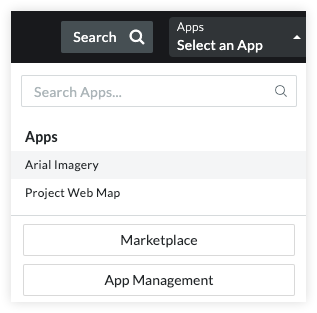
On the top navigation bar, click the Select an application.
In the available list of embedded applications, choose the application you want to launch.
See Also
Loading related articles...