Remove a permitted project from a data connection application
Background
Procore administrators can manage the list of permitted projects for a data connection application. The application is only allowed to run in permitted projects using the permissions defined in the DMSA.
Things to Consider
Required User Permissions:
'Admin' on the Company Admin tool.
Steps
Log in to Procore and navigate to the Company Admin tool.
In right side panel, select Application management under company settings.
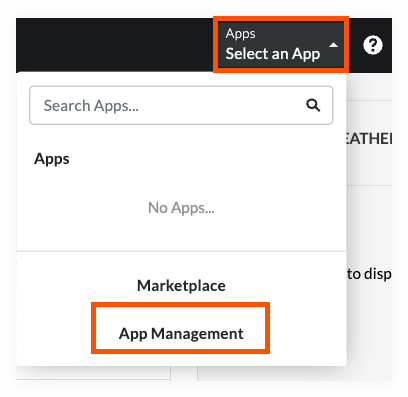
On the Application Management page, locate the data connection application you want to remove permitted projects from and click View.

Click the permissions tab.
Locate the project you want to remove from the permitted projects list and click Delete.


See Also
Loading related articles...