View information about an installed application
Background
As a Procore administrator, you have the ability to view information about applications installed in a company.
Steps
Navigate to the company's Admin tool.
Under 'Company settings', click Application management.
Locate the application you want to view information for and click its View button.
Click the 'Application info' tab.
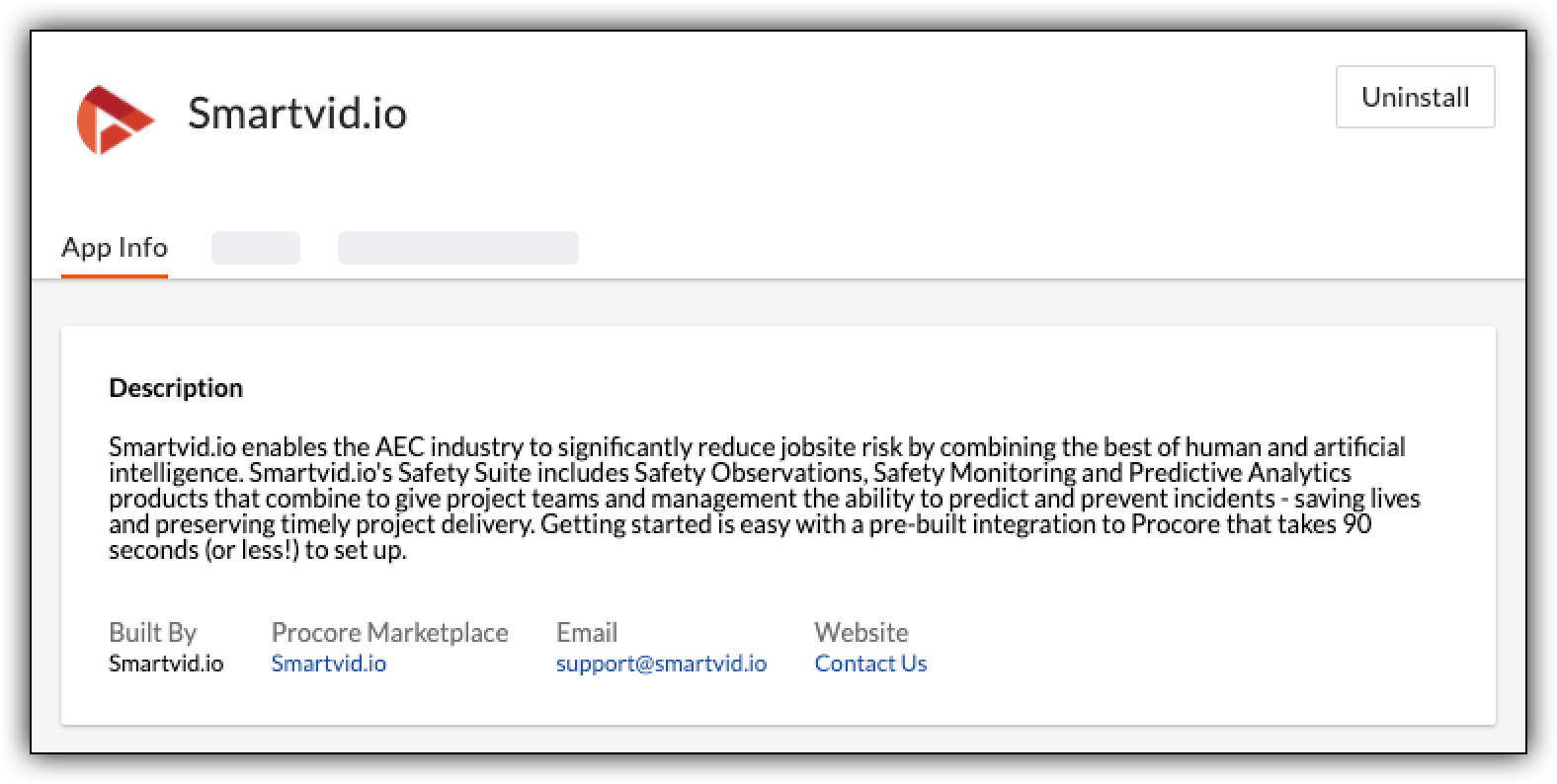
General application information
The 'Application info' tab displays a variety of information about the selected application.
Description - provides an overview of the application and how it integrates with Procore.
Built by - shows the name of the application developer.
Procore marketplace - provides a link to the application listing on the marketplace.
Email - lists the email address for requesting support.
Website - provides a link to the developer website.
See Also
Loading related articles...