Retrieve a tender package from the recycle bin (legacy)
Background
When a tender package is deleted, it's automatically moved into the Tendering tool's recycle bin. You can retrieve it at a later time using the steps below.
Things to Consider
Required User Permissions:
'Admin' level permissions on the project's Tendering tool.
Steps
Navigate to the project's Tendering tool.
Click recycle bin at the top of the page.
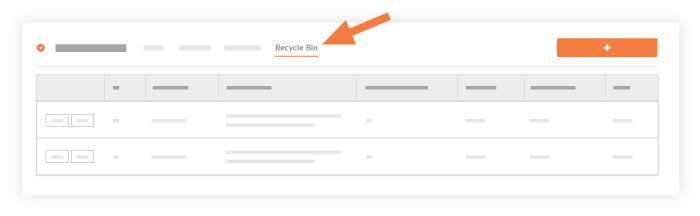
Click View on the tender package that you want to retrieve.
In the banner, click Retrieve.
The tender package is automatically moved back to the 'All' tender packages view.
See Also
Loading related articles...