Approve or reject commitment variations
Background
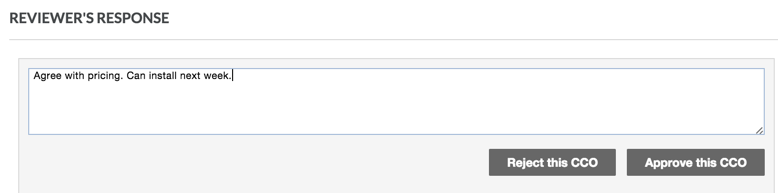
A commitment variation (CV) details a change in cost that affects the original commitment. When you create a variation, you can assign another project user as its 'designated reviewer'. You can only assign one (1) Procore user as a 'designated reviewer' per commitment. Before a reviewer can submit an 'Approve' or 'Reject' response, the variation must be in the Pending - In Review status.
Things to Consider
Required User Permissions:
To approve or reject a commitment variation, 'Standard' level permission or higher on the project's commitment and variation tool and added as the 'designated reviewer' on the variation.
TipsHow do you assign a 'designated reviewer' to a variation? For instructions, see Create a commitment variation or Edit a variation.
How do you view a commitment variation that has been marked 'Private'? You must be granted 'Standard' level permission on the project's commitment tool and added as a member of the 'Private' drop-down list on the commitment. See Create a commitment.
Additional Information:
Only one (1) user can be assigned as the 'designated reviewer' on the variation.
The 'designated reviewer' must submit an Approve or Reject response in Procore.
The 'designated reviewer' cannot submit a response to the variation from the Procore email notification.
Limitations:
The 'designated reviewer' field is only available on downstream variations for a commitment. This fields is NOT available on an upstream potential variation.