Edit a commitment's bill of quantities (Android)
Things to Consider
Required User Permissions:
To edit a purchase order or subcontract:
'admin' level permission on the project's commitment tool.
Additional Information:
This action can be performed in offline mode if the asset/item was previously viewed and cached on your mobile device. Tasks performed in offline mode will sync with Procore once a network connection is reestablished.
Prerequisites
Edit a commitment
Steps
Navigate to the project's Commitments tool using the Procore application on an Android mobile device.
Tap the commitment you want to edit the bill of quantities for.
Tap Bill of Quantities.
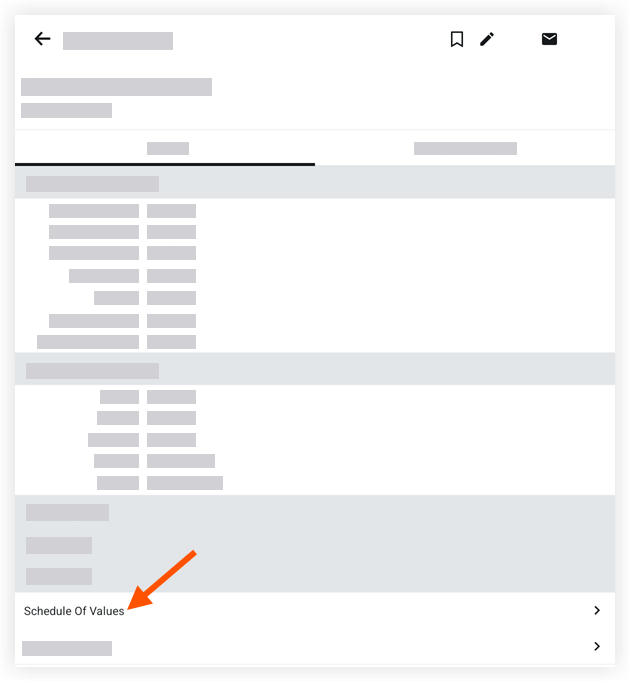
Tap the item you want to edit.
Tap edit .
Tap into a field to modify the appropriate information.
Tap Save.
See Also
Loading related articles...