View a commitment's bill of quantities (BOQ) (Android)
Things to Consider
Required User Permissions:
'admin' level permission on the project's commitment tool.
OR'Read Only' and 'Standard' level permissions can only view commitments that they have been granted access via the privacy drop-down menu when editing or creating a commitment.
OR'Read Only' or 'Standard' level permissions on the project's commitments tool with the 'View Private purchase order contract' granular permission enabled on your permissions template.
Additional Information:
The new view and workflow now applies to both purchase orders and subcontracts.
Details like descriptions, inclusions and exclusions can be expanded or collapsed to keep the view clean.
Bill of Quantities and variations are now organised into independent subtabs, reducing the need for excessive scrolling.
Attachments are displayed at the top of the commitment for quick access.
This item can be viewed or edited offline if it was previously viewed and cached on your mobile device. Tasks performed in offline mode sync with Procore once a network connection is reestablished.
Prerequisites
Steps
Navigate to the project's Commitments tool using the Procore application on an Android mobile device.
Tap the purchase order to which you want to add a line item.
Tap Bill of Quantities.
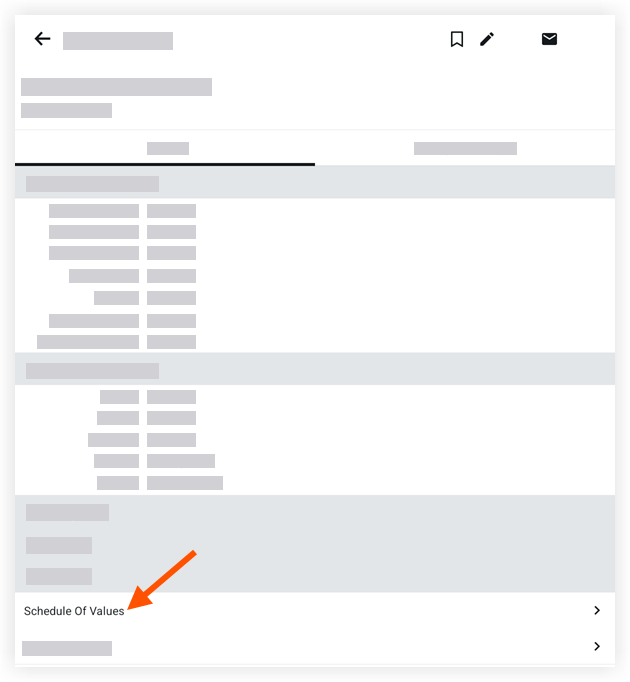
Note: This action reveals a list of the line item belonging to the purchase order's Bill of Quantities (BOQ).Optional: Tap a line item to view its details.
See Also
Loading related articles...