Email a Site Diary (Android)
Things to Consider
Required User Permissions:
'Standard' or 'admin' permission on the project's Site Diary tool.
Additional Information:
Users with the ‘Collaborator entry only’ granular permission cannot email the Site Diary.
Steps
Navigate to the Site Diary tool using the Procore application on an Android mobile device.
Tap the date to select the calendar day of the Site Diary you want to email.
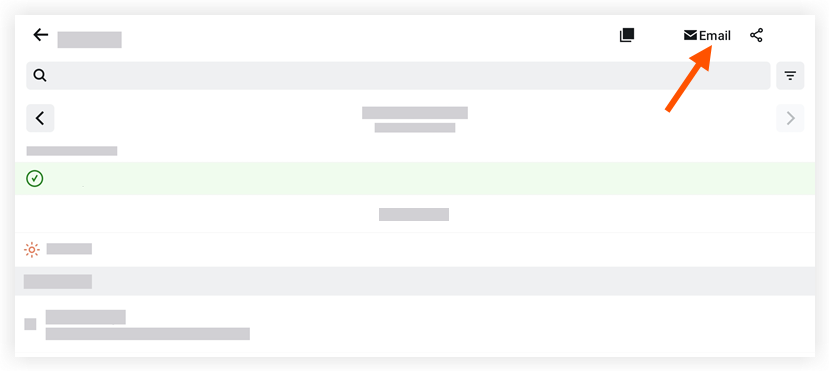
Tap the email icon.
Tap into the following fields to enter the appropriate information:
To: Enter in email addresses you would like to send the log to. Your Directory contacts will automatically populate in this field.
CC: Enter in any email addresses you would like copied on the email. Your own email address will automatically be populated in this field.
BCC: Enter in any email addresses that you would like to send a blind CC of the email to.
Subject: Enter in a subject for the email address. This field will automatically populate with the date of the log that is being email.
Optional comments: Enter any additional comments you want to send with the Site Diary.
Tap Send.
See Also
Loading related articles...