View a Site Diary's change history
Background
The Change history tab in the Site Diary tool makes it easy to keep track of who has made changes to the Site Diary and the exact changes that were made.
Note: Only 'admin' level users on the Site Diary tool have access to this section.
Steps
To view the change history for a Site Diary, navigate to your project's Site Diary tool.
Scroll to the change history log.
Note: You will only see this log if you have selected it in the tool's setting.
To learn more about the tool's advanced setting, see Configure advanced setting: Site Diary.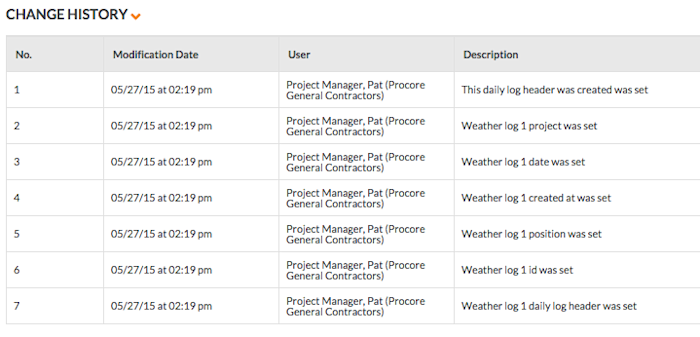
See Also
Loading related articles...