Within a project's Document Management tool, you can customise which options show for fields that have multiple options. For example, you can select which options show for the 'Discipline' field, since it's a single select dropdown menu.
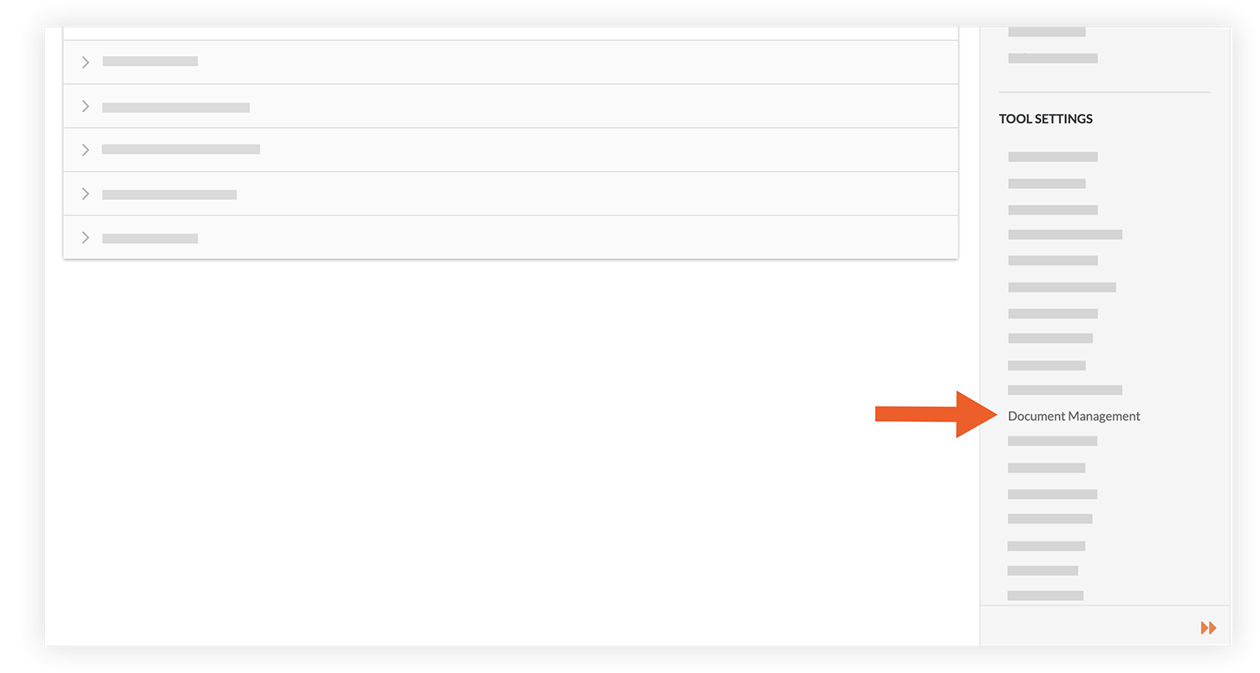
Navigate to the project's Document Management tool.
Click the Configure Settings  icon.
Click the Documents tab.
Click the arrow  icon next to 'Document Fields' to expand the section.
Each field is listed with its name, field type and description.
Click on the field that you want to manage.
Note: Currently, you can only manage field options for single select dropdown fields (such as status, type and discipline). If you click on another field type, you'll see information about the field, with no 'Edit' button available.
Click Edit field.
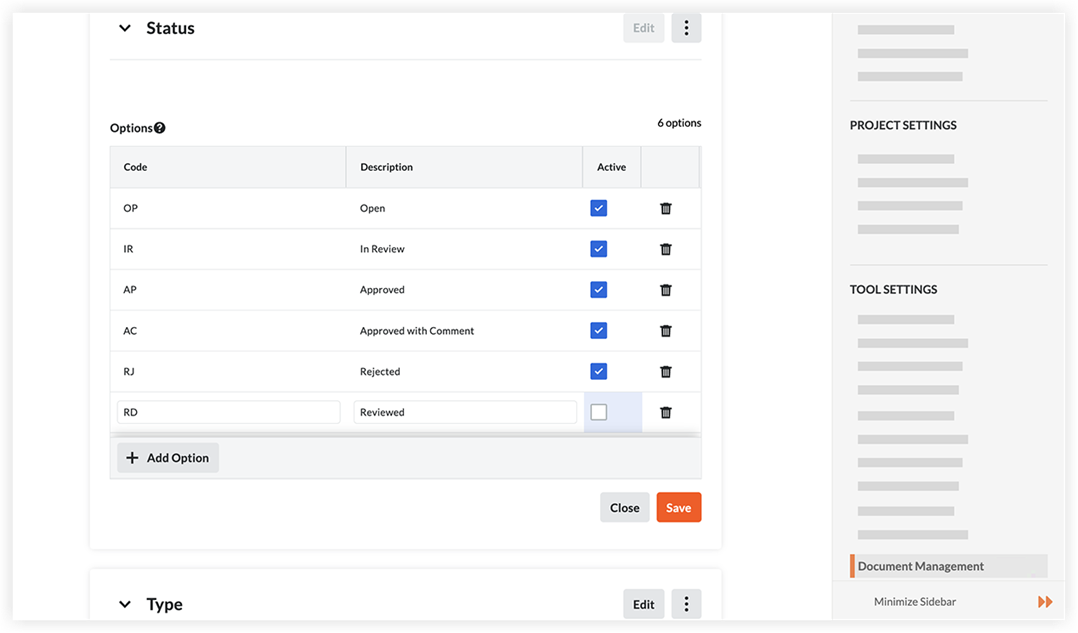
Select which field options you want people to be able to select in the tool:
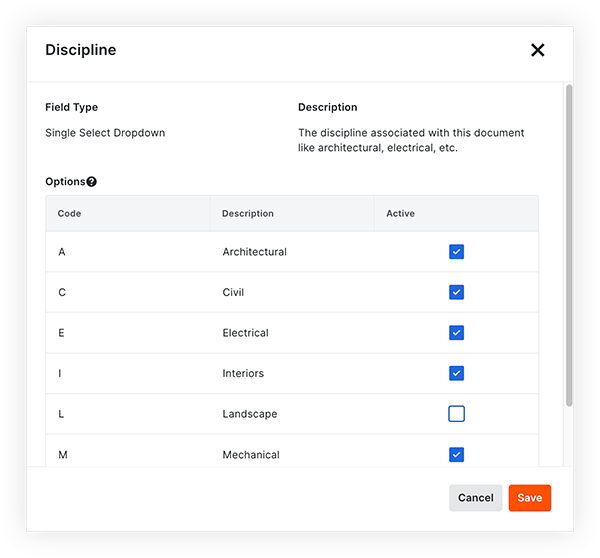
Note: For the 'status' field, status options display their assigned Company level colour pills in read-only format. Pill colours can only be customised at the Procore administrator level.
To hide an option, clear the tickbox.
To show an option, mark the tickbox.
Click Save.