View an estimate
Things to Consider
Steps
Navigate to the Tender Board or Portfolio Planning tool and select the project.
OR
Navigate to the project's Estimating tool.Click the Estimating tab.
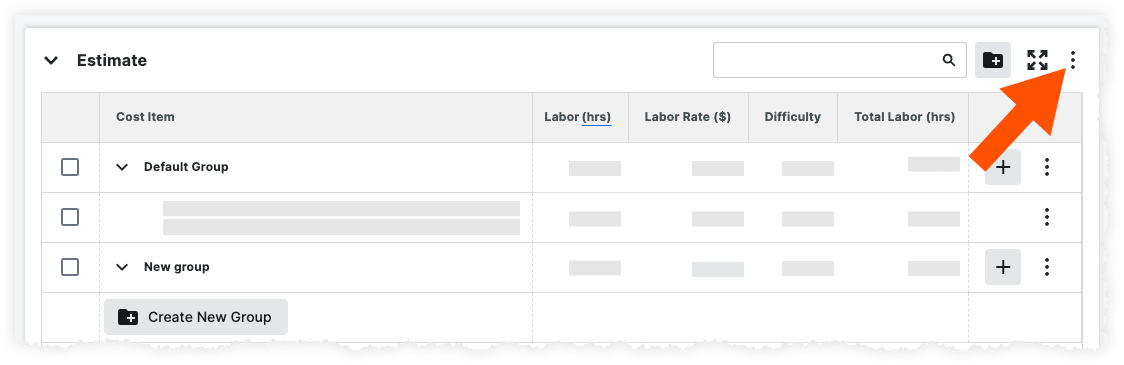
To modify estimating setting, click the vertical ellipsis (⋮) for the estimate and make any necessary changes.

See Also
Loading related articles...