Close incidents (iOS)
Things to Consider
Required User Permissions:
To close any incident, 'admin' level permission on the project's Incidents tool.
To close an incident that you created, 'Standard' level permissions on the project's Incidents tool.
Prerequisites
Steps
Navigate to the Incidents tool using the Procore application on an iOS mobile device.
Tap the incident you want to close.
Tap the status drop-down menu.
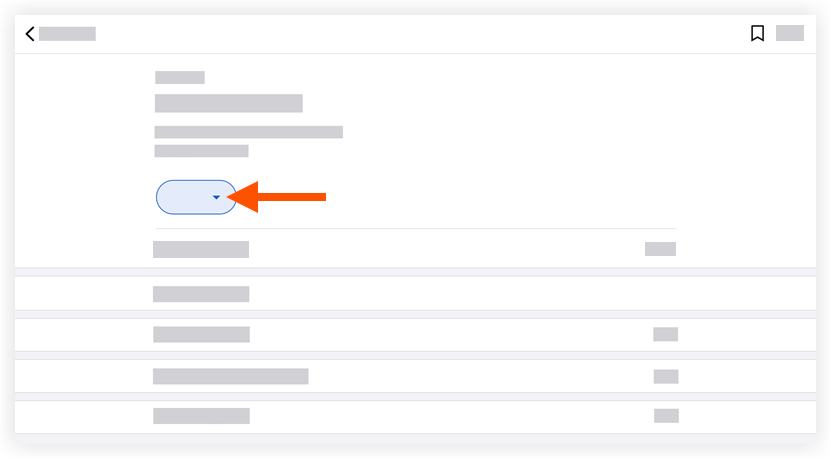
Tap Closed.
Note: This action automatically update the item's status to Closed.
See Also
Loading related articles...