Export incidents as a CSV or PDF
Things to Consider
Required User Permissions:
'Read Only' level permissions or higher on the project's Incidents tool.
Prerequisites
Steps
Navigate to the project's Incidents tool.
Click Incidents, Records, injuries or near misses.
Note: The export will export only what is on the page you select.Select one of these options:
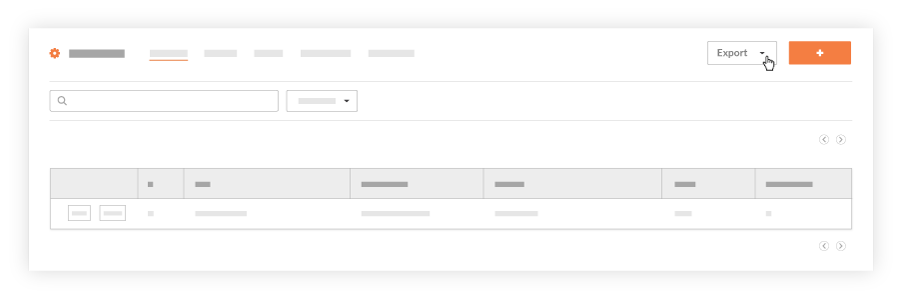
Export > PDF
The following fields will be exported:Project Name
Company name
Project address* Project logo* Number* Title* Incident date* location* status* Record count
Export > CSV
The following fields will be exported:* Number* Title* Incident Date* location* status* Record Count.
See Also
Loading related articles...