Group inspections on the list page
Background
Beta
A modernised list view is now available for the inspection tool! This feature offers enhanced filtering, customisable table columns and saved views. To try the new interface, toggle Beta item list to the ON position at the top of the inspection list.
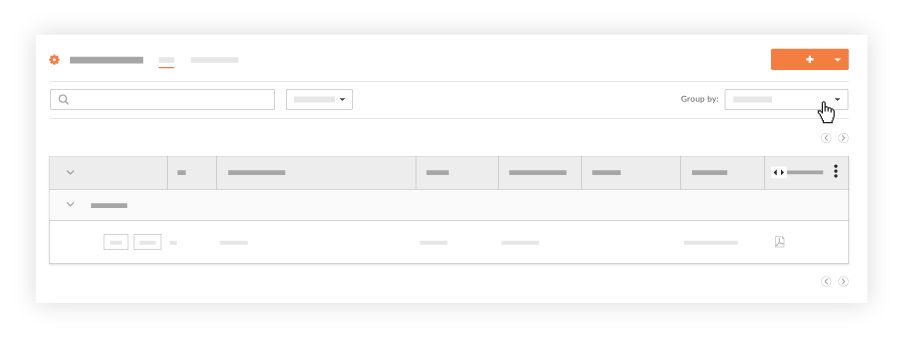
When viewing a list of project inspection, you can use the options in the 'Group by' menu to visually organise your project's inspection.