Print a location Quick Response Code
Background
You can print the Quick Response Code for the desired location of a project using the location tool. In Procore, a location Quick Response Code is a two-dimensional, machine-readable barcode that links directly to a specific project location. You can easily save and scan the Quick Response Code of a location.
You can also print the Quick Response Code for multiple locations using a bulk option in the location tool.
Things to Consider
Compatible print format supported: Avery™ 6460
Important
A QR code scanner app will not recognise these QR codes. You must scan the QR code with one of Procore's mobile apps to either filter by the location identified in the QR code or create an item in Procore with that location linked.
 icon in the corresponding row and select Print Quick Response Code.
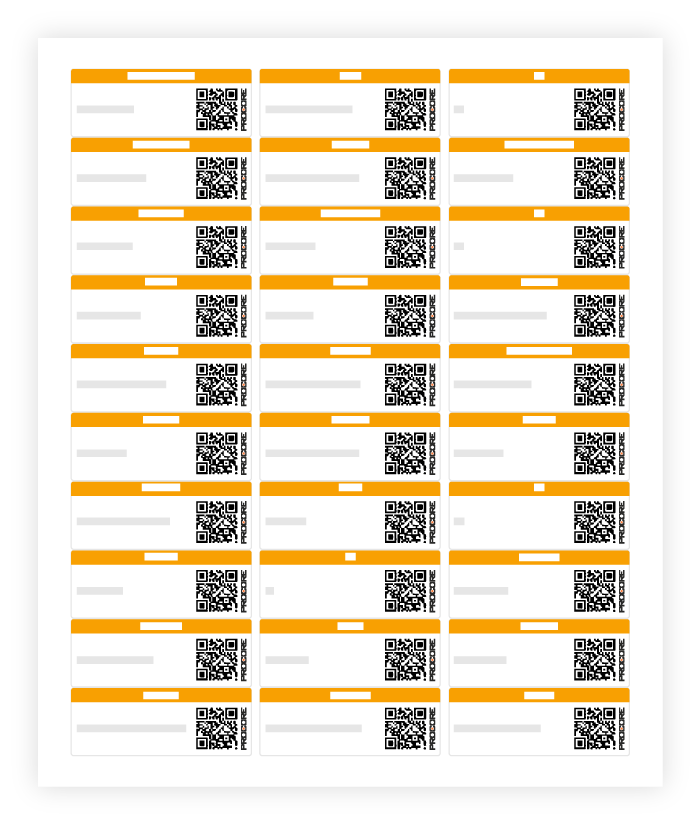
 Print Quick Response Code option appears above the list or tree view table on your left side.