Export company permissions templates
Background
Exporting your company's company permission templates allows you to review the permission setting, including any granular permission, for each permission template in one file.
Things to Consider
Steps
Navigate to the company's Permissions tool.
Click the Company permissions templates tab.
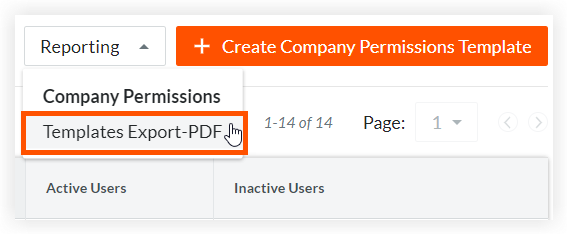
Click Reporting and select Templates Export-PDF to download the file to your computer.
Beta
Procore administrators can enable the new permissions user interface beta in Procore Explore. (US 2 | UK)
Navigate to the company's Permissions tool.
Click the Company level templates tab.
Click Company reporting and select Templates export-PDF.
Click the download
 icon in your browser to download the file to your computer.