Create a photo album (Android)
Things to Consider
Required User Permissions:
'Standard' or 'admin' level permission on the project's Photos tool.
Note: The 'Create photo album' granular permission is only supported in the Procore web application. It is not supported on the Procore mobile applications.
Additional Information:
This action can be performed offline. Tasks performed offline sync with Procore once a network connection is reestablished.
Steps
Navigate to the project's Photos tool using the Procore app on an Android mobile device.
Tap the Albums tab.
Tap Create new album.
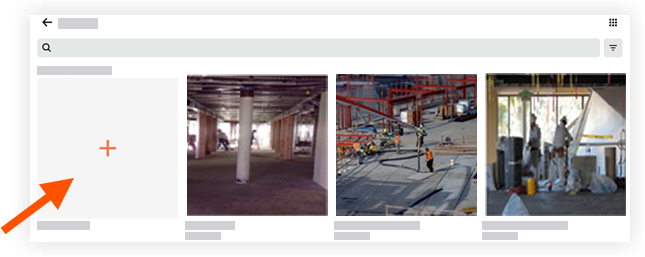
Enter in a title for the new album.
Tap Done.
The album is created and appears in the albums view.
See Also
Loading related articles...