Delete a photo from the recycle bin
Things to Consider
Required User Permissions:
'Admin' permission on the project's Photos tool.
Additional Information:
When a photo is deleted from the recycle bin, it's still available on mobile and other location the photo has been uploaded.
For more information on how to delete a photo, see Delete photos.
Steps
Navigate to your project's Photos tool.
Click the recycle bin view.
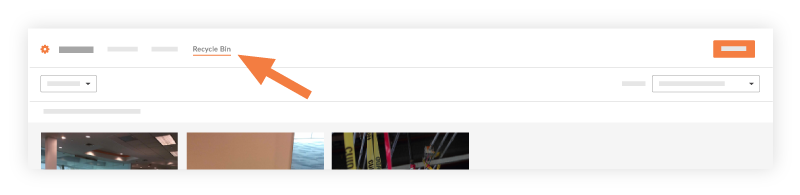
Hover over the photo that you want to delete and mark the tickbox to select the photo.
Repeat for other photos as needed.Click the Delete button.
The photo(s) will be deleted from the recycle bin.
Note: The photo will still be available in specific location where it was uploaded.
After a photo has been deleted, there will be an empty card where the photo was in the recycle bin.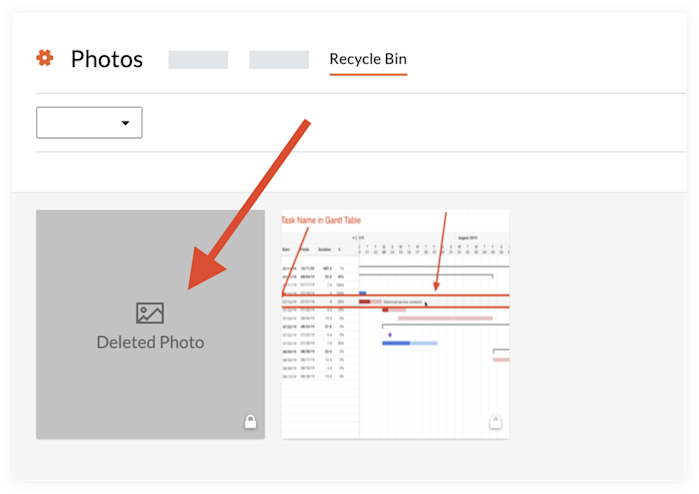
See Also
Loading related articles...