View a main contract (Android)
Things to Consider
Required User Permissions:
'Read Only' level permissions or higher on the project's Main Contracts tool.
Note: Users with 'Read Only' or 'Standard' permissions can only view a main contract if they have been added to the drop-down in the 'Private' field of the main contract. See Create main contracts.
Prerequisites
Steps
Navigate to the main contract tool using the Procore application on an Android mobile device.
If the project has more than one main contract, tap the contract you want to open.
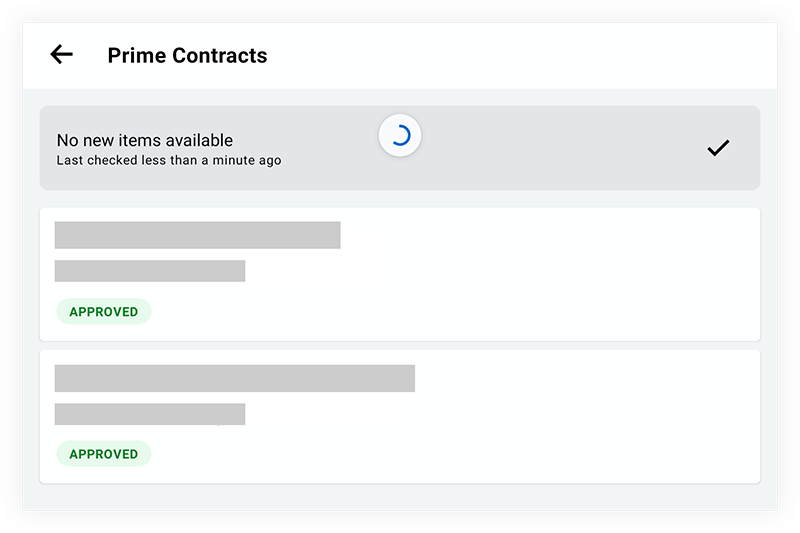
View the contract's information. The following sections are available:
Information
Contract dates
Contract summary report
Tip! Tap a section to view the content in a larger window.
See Also
Loading related articles...