View a disbursements list

 General availability in select markets (United States)

Flag Us Procore Pay is available in the United States. It is designed for main contractors and owner-builders who act as their own main contractors on a job. Procore Pay extends the payment application management functionality in the Procore web application to handle the payment process between main and specialty contractors.
Background

Payment admins and payment disbursers can see all of the disbursements that have been created.

Things to Consider

Prerequisites

Steps

  1. Navigate to the Company level Payment tool.

  2. Click the Disbursements tab.

     Tip

    Don't see the disbursements tab? To view this tab, your Procore user account must be assigned the payment disburser or payment admin role.

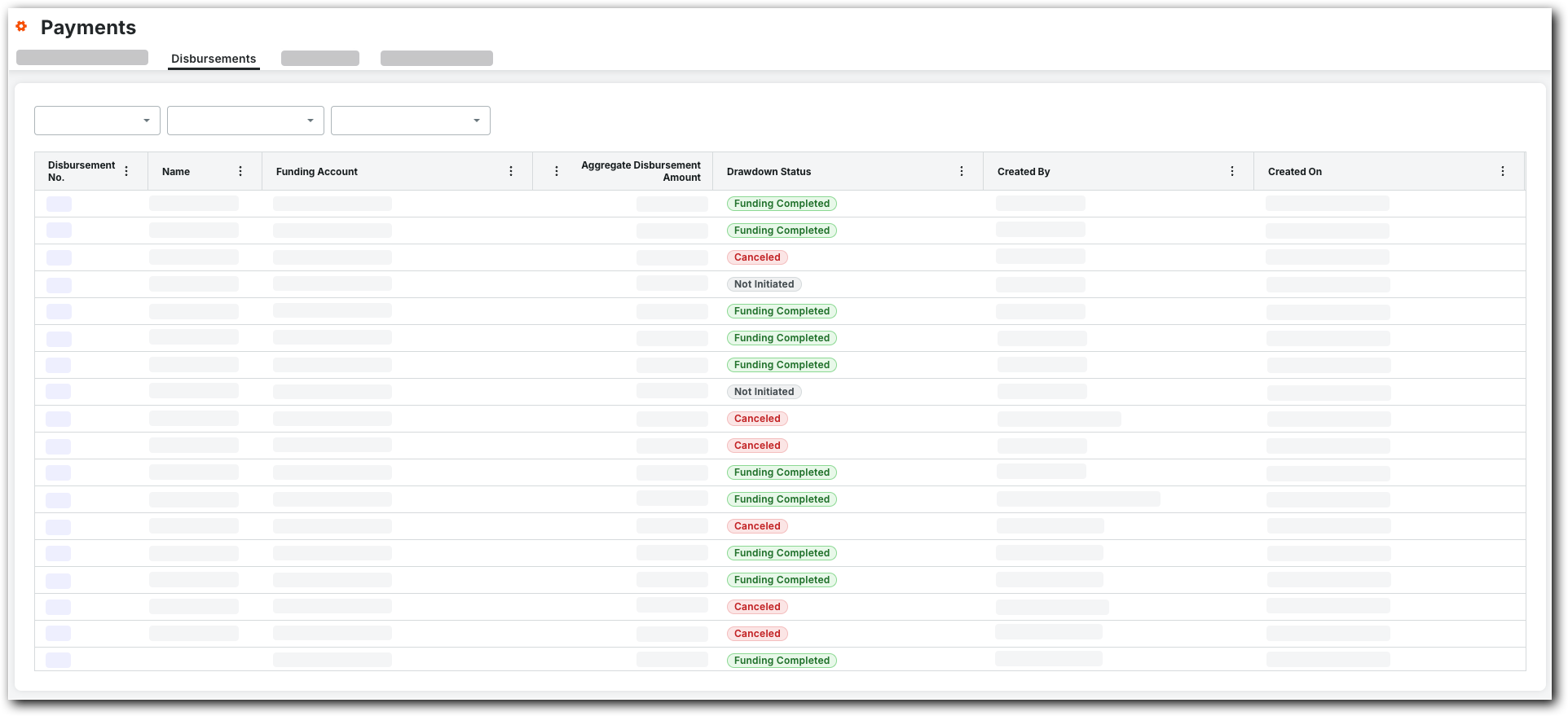
  3. In the Disbursements tab, the table lists all the disbursements.
    Payments Disbursements Tab

  4. Optional. Filter the data table by selecting one (1) or more of these options:

    • Created on. Click the button and select one of these options:* Last 30 days. Shows only the disbursements created in the last thirty (30) days.* Last 60 days. Shows only the disbursements created in the last sixty (60) days.* Year to date. Shows all of the disbursements created in the past year.

    • Funding account. Click the button to select one (1) or multiple company's funding account options.

       Tip

      How do you add a funding account to the drop-down menu? See Add funding accounts.

    • Drawdown status. Click the button to select one (1) or multiple company's funding account options. See What are the default drawdown status in Procore Pay?

See Also

Loading related articles...