View all snag list items
Background
You can access a list of all snag list items for an overview of the items' progress or to locate a single item. The default view displays all snag list items in the 'Open' status that currently require attention and resolution. You can also filter snag list items by priority, assignee, response and status.
Things to Consider
Additional Information:
By default, you will only see snag list items you have permission to view based on your access level and assignments.
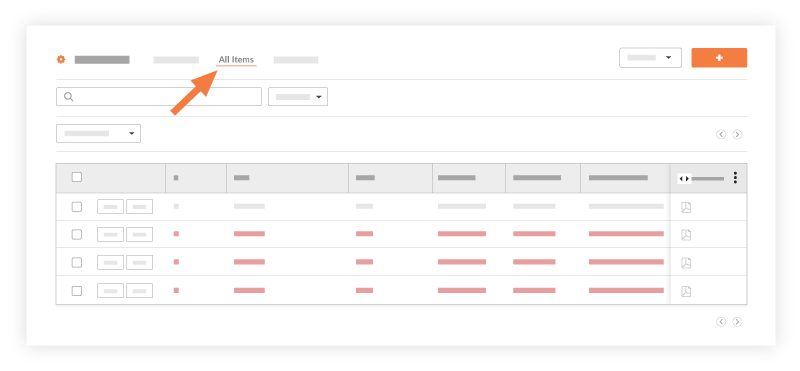
Overdue snag list items will appear in red in the list view.
Steps
Navigate to the project's Snag List tool.
Note: This reveals a list of snag list items assigned to you.In order to view all open snag list items, click All items under views in the right sidebar.
All overdue snag list items will appear in red.
See Also
Loading related articles...