Delete a project single tool report
Things to Consider
Required User Permissions:
'Standard' level permissions or higher on the Project 360 Reporting tool or user is a Procore administrator.
Additional Information:
If you are not a Procore administrator, you can only delete reports that you created.
Steps
Navigate to the Project 360 Reporting tool.
Click the name of the report you want to delete.
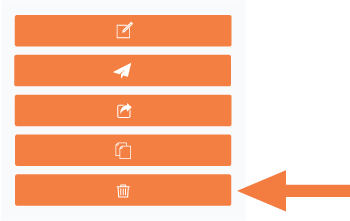
Click the Delete button in the right pane.
In the "Are you sure you want to delete Test Delete report? This cannot be undone." popup-message, click OK.
See Also
Loading related articles...