Share a custom RFI report
Things to Consider
Additional Information:
You can only share custom RFI reports that you or someone in the company have created. For example, you cannot share the "Questions and responses report" because it is NOT a custom report (it is a canned report).
You can share a report with any person in the Project Directory regardless of whether or not they have access to the RFI/report tools.
Steps
Navigate to the projects RFI tool.
Choose one of these options:
Complete the steps in Create and view a custom RFI report.
OR
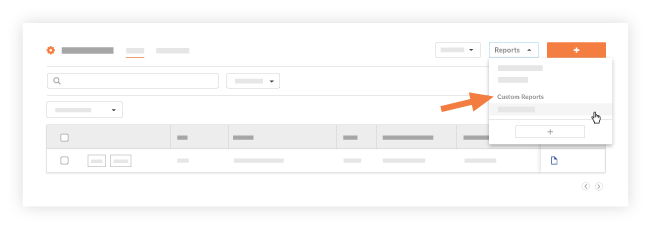
Click the custom RFI report that you want to share from the 'RFI report' area on the right.
Click Share report.
Select the people or distribution group(s) from the People list.
Click Share.
See Also
Loading related articles...