Download RFI attachments (iOS)
Things to Consider
Required User Permissions:
'Read Only' or higher permissions on the project's RFIs tool.
Steps
Navigate to the RFI tool using the Procore application on an iOS mobile device.
Download the attachments of an individual RFI
Tap Download
 next to the RFI you want to download attachment for.
Download the attachments of all RFIs
Tap Download
at the top of the RFI log.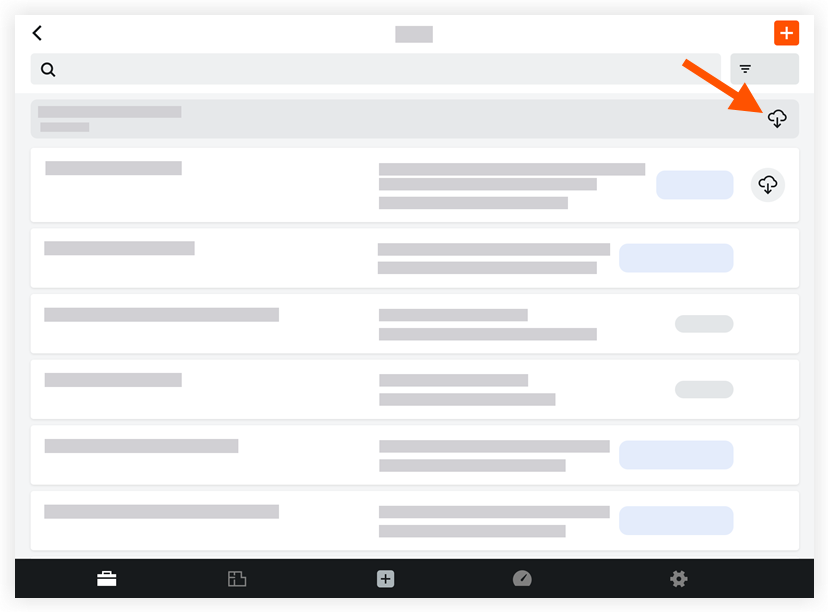
If there is no download icon, the RFI has already been downloaded and can be viewed in offline mode.
See Also
Loading related articles...