View timesheets for all projects (iOS)
Things to Consider
You can view timesheets for the following users:
Members of a crew of which you are the crew lead.
Any user you have logged time for during the selected week.
You can only view timesheets on projects to which you have access. If you do not have access, you will see 'Other projects' listed under a user. However, the total time will include all hours entered for the user.
Steps
Navigate to the timesheet tool on an iOS mobile device.
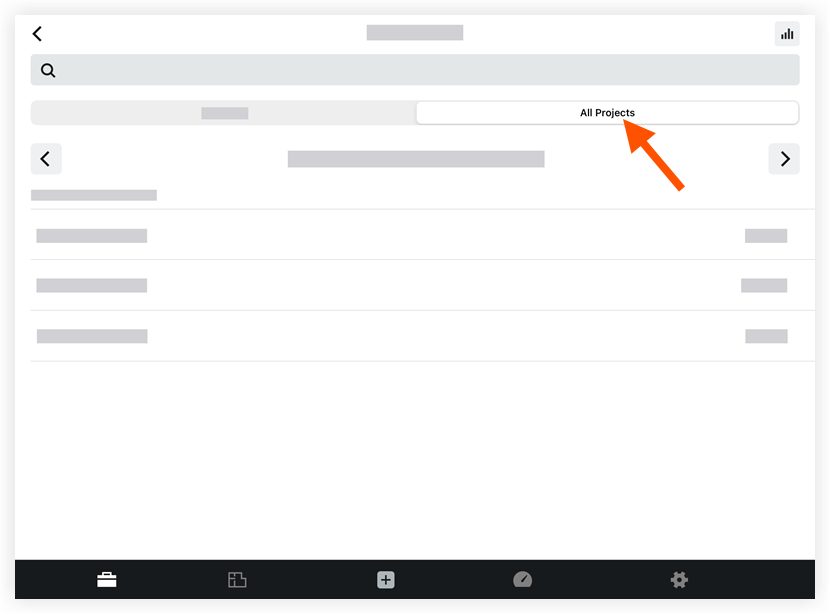
Click All projects.
Optional: Tap the week for which you want to display timesheet.
Click the employee name for whom you want to view timesheet for all projects.
See Also
Loading related articles...