Este sitio web aún no se ha lanzado por completo en su idioma preferido
La única página operativa del Sitio de soporte técnico (versión 2) en su idioma preferido es la Videoteca. El sitio web completo estará disponible pronto.
¿Está buscando algún otro contenido? Vuelva al Sitio de soporte técnico (versión 1).
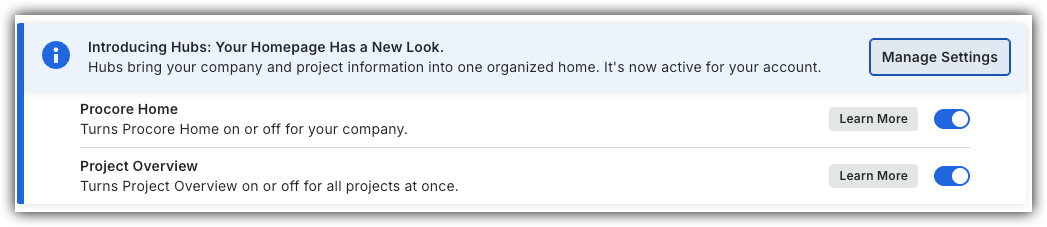
To return to the legacy Project Home, Company Administrators can navigate to the Company Portfolio / ProcoreHome tool, click Manage Settings and toggle Project OverviewOFF.
However, later this year it will be sunset and will no longer be available. If your company reverted to the legacy Project Home experience, Company Administrators can re-enable the Project Overview by switching Project Overview toggle ON.
Background
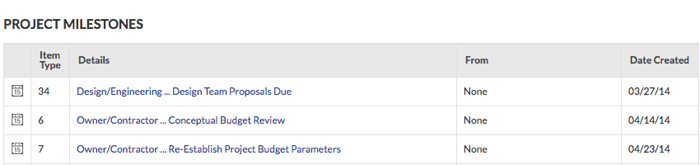
If the Project level Schedule tool (see Schedule) has been enabled on the project (see Add and Remove Project Tools) and tasks on your imported Project schedule have been marked as project milestones, a user with 'Admin' level permission to the Project Home page can turn the display of the 'Project Milestones' section ON or OFF. See Configure Advanced Settings: Project Home.
Steps
Follow the steps in one of these articles to add project milestones to the Project Home page:
 OFF.
OFF.
 ON.
ON.