Can I bulk enable the Assets tool across multiple projects at once?
Answer
No. The Assets tool is enabled on a per-project basis. Bulk enablement across many projects at once is not currently available through standard Project Admin controls.
To enable the Assets tool follow the below steps, by moving the Assets toggle  ON.
ON.
Navigate to the project's Admin tool.
Under 'Project Settings', click Tool Settings.
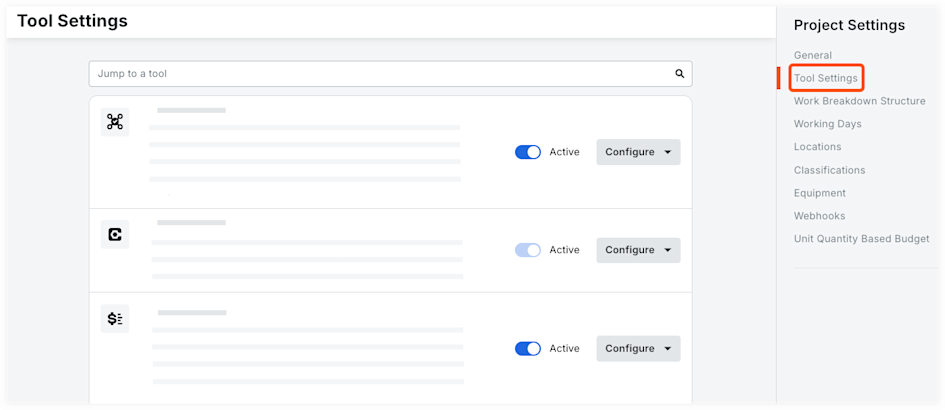
Add and remove tools from your project.
Click the toggle
to Active to add the tool to your project.Click the toggle
 to Inactive to remove it from your project.
Changes are automatically saved.
See Also
Loading related articles...