Delete a My Time Entry (Android)
Things to Consider
Procore automatically syncs your My Time entries across the Daily Log, Company Timecard, Project and Company Timesheets tools.
Cet actif ou item peut être visualisé ou modifié en mode hors connexion s’il a été précédemment visualisé et mis en cache sur votre appareil mobile. Les tâches effectuées en mode hors ligne sont synchronisées avec Procore une fois la connexion réseau rétablie.
Prerequisites
To see My Time as an option on your project, you must be marked as an employee of your company.
Steps
Open the Procore App on an Android mobile device and select a project.
Navigate to the My Time tool.
Tap the entry you would like to delete.
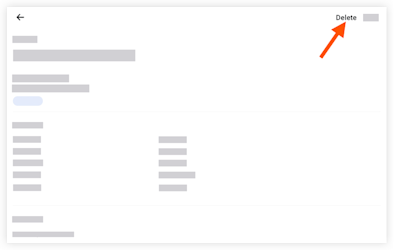
Tap Delete.
Tap Delete to confirm.
See Also
Loading related articles...