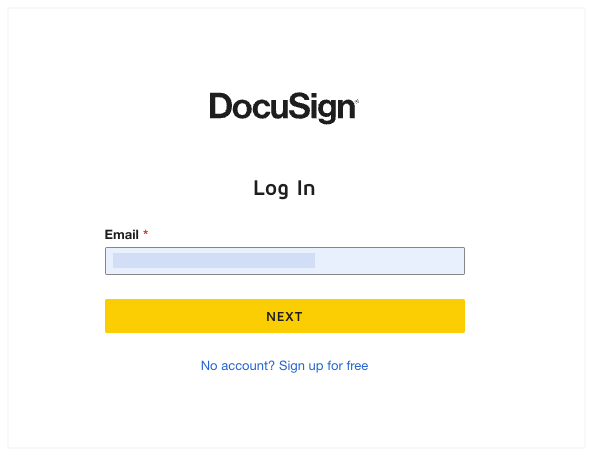
Connectez-vous à DocuSign®
Contexte
Si vous disposez d’un compte DocuSign®, vous pouvez intégrer Procore pour gérer le processus de signature à plusieurs outils. Cela vous permet, ainsi qu’aux signataires de votre avis, de réviser et de renvoyer des signatures en ligne, à tout moment et à partir de n’importe quel appareil connecté à Internet. Voir Quels outils de projet Procore prennent en charge l’intégration DocuSign® ? Si vous ne vous êtes jamais connecté à DocuSign® à partir d’un outil de projet Procore auparavant, vous serez invité à vous connecter à votre compte DocuSign®. Une fois que vous vous serez connecté à DocuSign® via Procore, vous n’aurez plus besoin de vous reconnecter.
Ai-je besoin d’un compte DocuSign® pour fournir une signature électronique ? Non. Vous n’avez pas besoin d’un compte DocuSign® pour signer un document. Si quelqu’un vous envoie un document Procore à signer, vous recevrez un e-mail de DocuSign® au nom de l’expéditeur. Pour fournir votre signature, consultez Signer un document Procore avec DocuSign®.