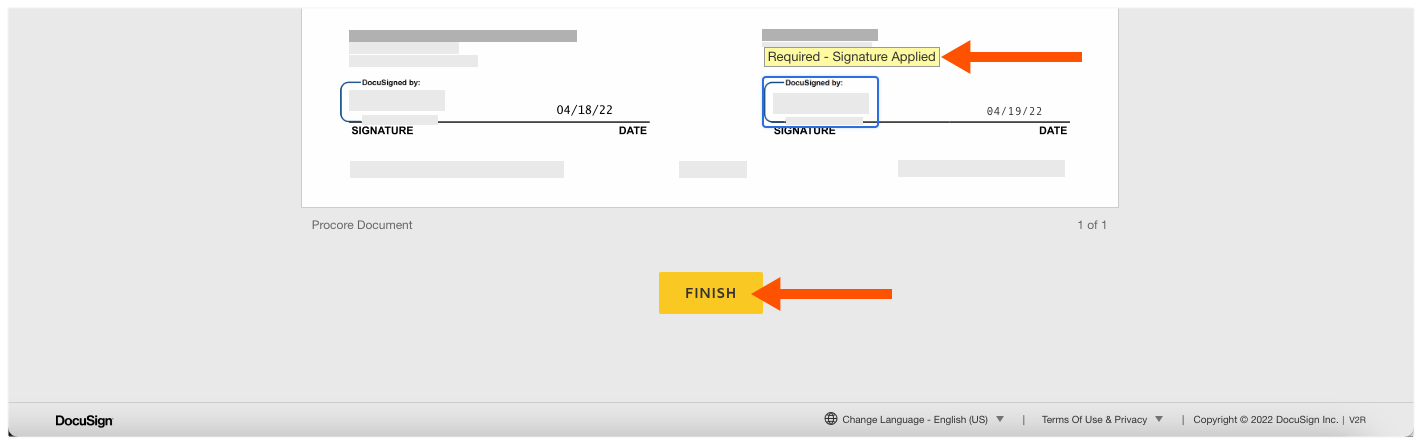
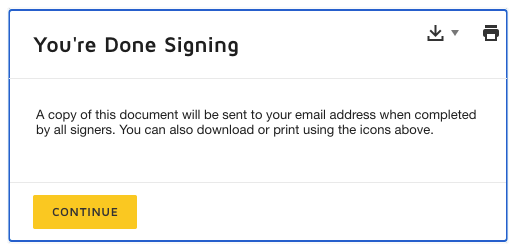
Signer avec DocuSign
Ouvrez l’e-mail de demande de signature que vous avez reçu de DocuSign®.
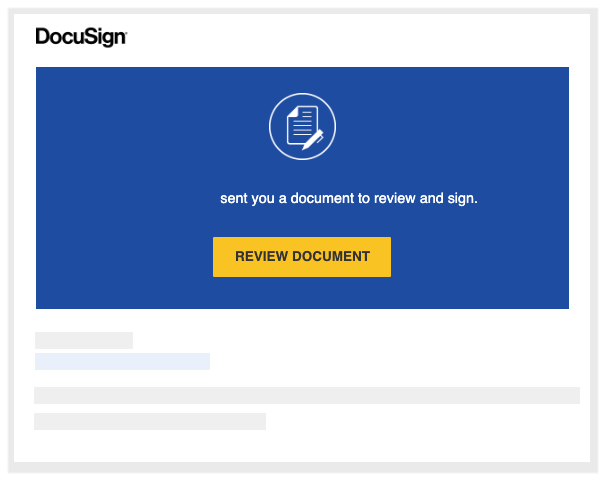
Cliquez sur Réviser le document. L’application DocuSign® démarre.
NoteVous n ® avez PAS besoin dun compte DocuSign pour réviser ou signer un document. Voir Ai-je besoin d’un compte DocuSign© ?
Dans la fenêtre « Veuillez réviser et agir sur ces documents », procédez comme suit :{
Cliquez sur Divulgation de l’enregistrement électronique et de la signature. Vous devez lire et accepter la page « Accord de faire des affaires » qui s’affiche. Vous devez télécharger, imprimer et fermer la page.
Après avoir lu la divulgation, cochez la case J’accepte d’utiliser des enregistrements et des signatures électroniques .
Cliquez sur Continuer.
Cliquez sur Démarrer sur le côté gauche de la page. Cela vous amène au premier endroit pour signer (ou parapher) dans le document. 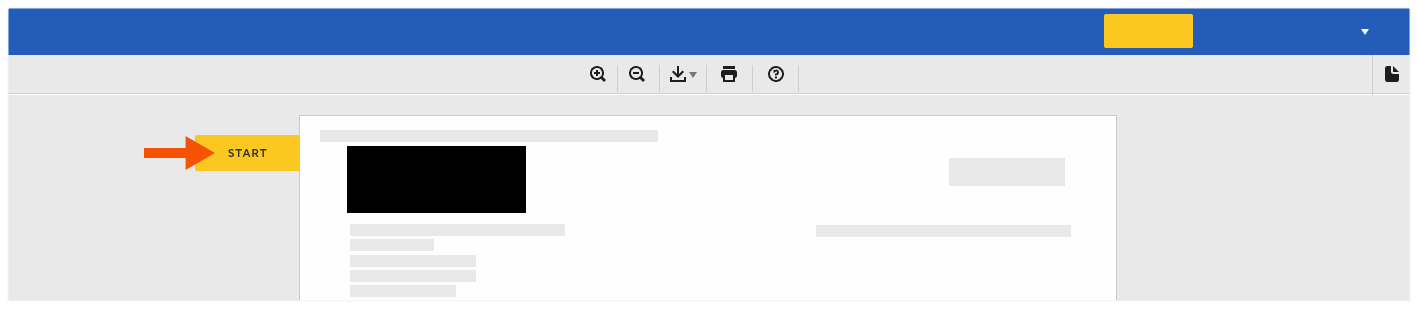
Cochez la case Signer .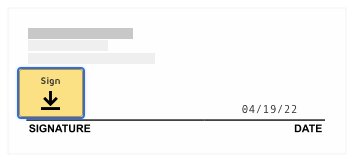
Si c’est la première fois que vous signez un document, la fenêtre « Adoptez votre signature » apparaît.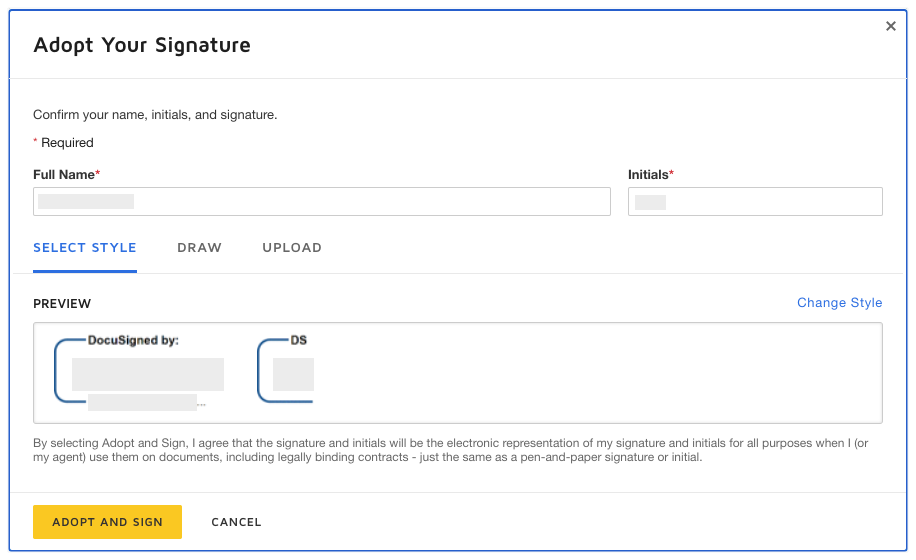
Nom et prénom. Saisissez votre nom complet dans la zone prévue.
Initiales. Tapez vos initiales dans la zone prévue.
NoteVous pouvez éventuellement modifier le style de votre signature, dessiner votre signature ou charger une signature. Pour savoir comment utiliser ces fonctionnalités, rendez-vous sur : https://support.docusign.com