Rechercher et filtrer les plannings d’inspection
Éléments à prendre en compte
Informations complémentaires :
Recherche :* L’outil de recherche respecte tous les paramètres de filtre sélectionnés et ne recherche que les éléments contenus dans les résultats filtrés.* Les préférences sont mémorisées projet par projet. Si vous travaillez avec l’outil Inspections sur plusieurs projets, chaque projet se souviendra de votre dernière recherche utilisée pour ce projet.* Les critères de recherche sont « collants ». Après avoir effectué une recherche à l’aide de l’outil Inspections du projet, l’outil se souviendra de votre dernière préférence de recherche utilisée, de sorte que la prochaine fois que vous utiliserez l’outil Inspections, la dernière recherche utilisée sera appliquée au registre.
Filtrage :* Les préférences sont mémorisées projet par projet. Si vous utilisez l’outil Inspections sur plusieurs projets, chaque projet se souviendra de votre dernière préférence de filtre utilisée pour ce projet.* Les options de filtre sont « persistantes ». Après avoir appliqué un filtre à l’aide de l’outil Inspections du projet, l’outil se souviendra de votre dernière préférence utilisée, de sorte que la prochaine fois que vous utiliserez l’outil Inspections, ces mêmes préférences seront appliquées au registre.
Escalier
Rechercher des plannings d’inspection
Accédez à l’outil Inspections au niveau projet.
Cliquez sur l’onglet Plannings .
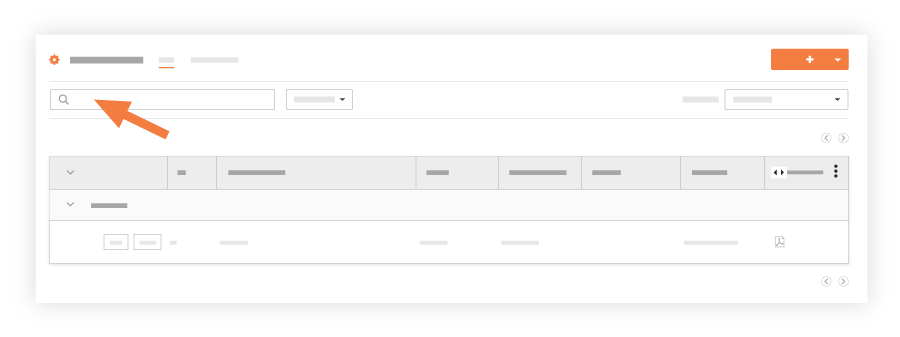
Saisissez un mot ou une expression dans la barre de recherche en haut de la page.
Ajouter des filtres
Accédez à l’outil Inspections au niveau projet.
Cliquez sur l’onglet Plannings .
Sélectionnez un ou plusieurs filtres dans la liste déroulante Filtres
 .
.
Les filtres disponibles sont les suivants :Modèle
Type
Emplacement
Équipement
Date d’échéance de la première inspection
Terminer par
Terminé
Fréquence
Cessionnaires
Voir aussi
Chargement des articles connexes...