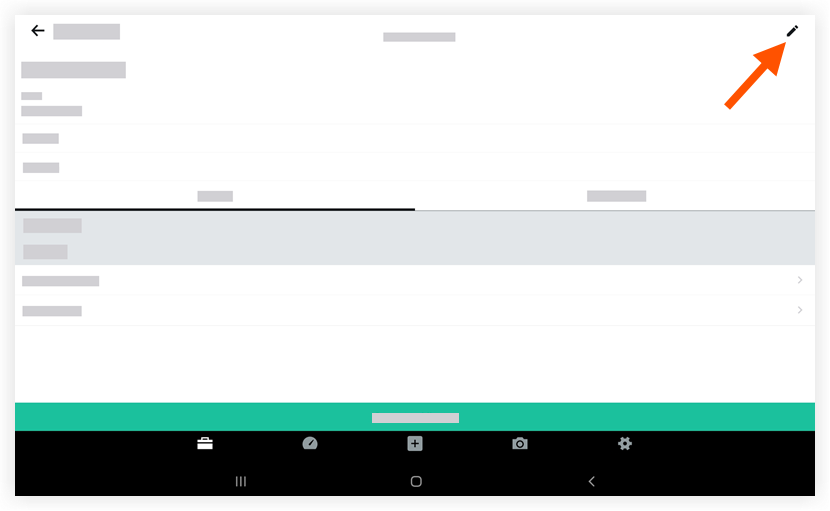
Modifier une réunion (Android)
Éléments à prendre en compte
Required User Permissions:
You need one of the following:
'Admin' level permissions on the project's Meetings tool.
'Read Only' level permissions or higher on the project's Meetings tool with the 'Update Meeting' granular permission enabled on your permissions template.
Note
Users with this level of permission can only update meetings that they have access to view (either that the user created, private meetings the user is an attendee for, or public meetings that the user has access to).
Additional Information:
The option to edit the meeting # is only available if there is one meeting.
The 'Notes' field is only available for meetings in 'Minutes' mode.
See Convert a Meeting from Agenda to Minutes Mode.