Modifier une observation (Android)
Éléments à prendre en compte
Cet actif ou élément peut être affiché ou modifié en mode hors connexion s’il a été précédemment affiché et mis en cache sur votre appareil mobile. Les tâches effectuées en mode hors ligne sont synchronisées avec Procore une fois la connexion réseau rétablie.
Escalier
Appuyez sur le projet sur lequel vous souhaitez travailler sur votre appareil Android.
Appuyez sur l’outil Observations .
Appuyez sur l’observation que vous souhaitez modifier dans le volet de gauche.
Appuyez sur Modifier .
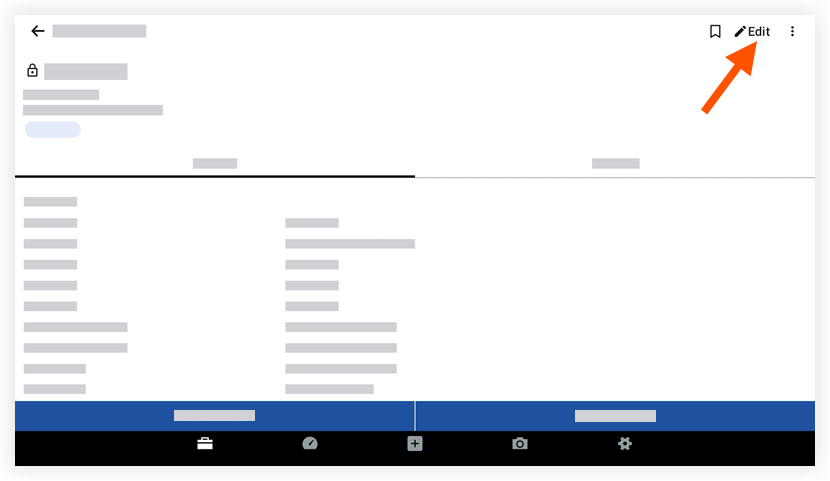
Appuyez pour modifier les champs de votre choix.
(Remarque : voir Créer une observation pour une description de chaque champ.)Appuyez sur Enregistrer.
See Also
Loading related articles...