View the Payments Tool Change History

 General Availability in Select Markets (United States)

flag-us.png Procore Pay is available in the United States. It is designed for General Contractors and Owner-Builders who act as their own General Contractors on a job. Procore Pay extends the Invoice Management functionality in the Procore web application to handle the payment process between general and specialty contractors.

Fond

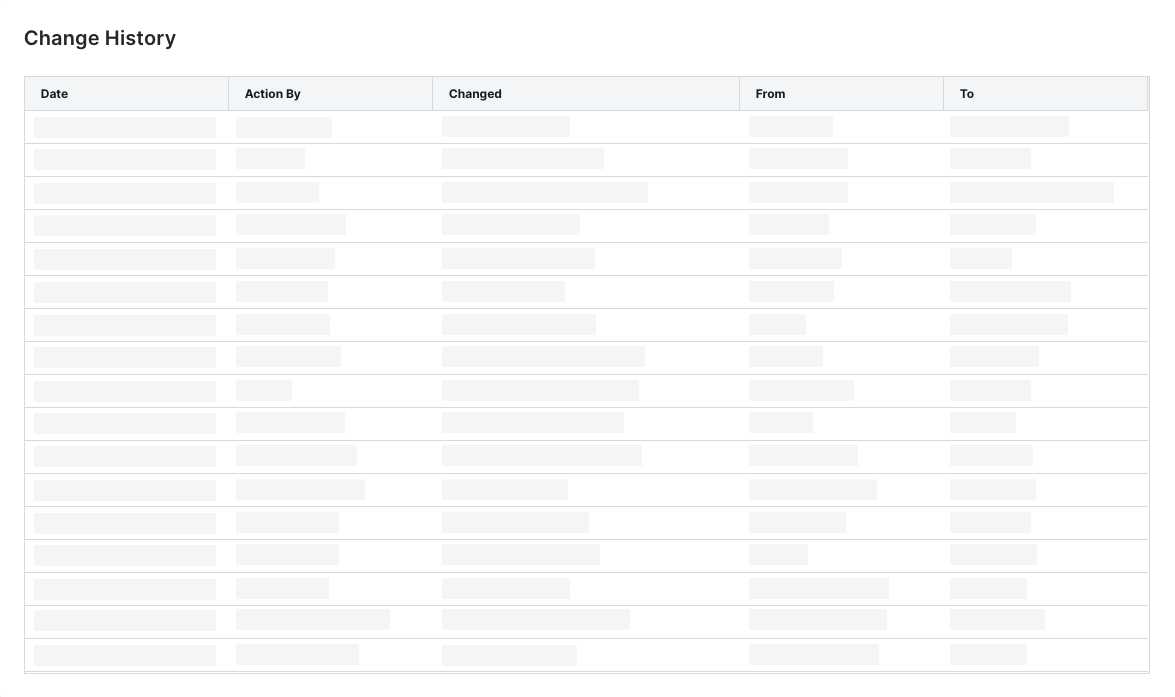
Lorsqu’un utilisateur effectue une action dans l’outil Paiements au niveau entreprise, celle-ci est enregistrée sur la page Historique des modifications, dans l’onglet Traitement des paiements.

Éléments à prendre en compte

  • Autorisations utilisateur requises:

    • Vous devez être un .

Conditions préalables

Escalier

  1. Accédez à l’outil Paiements au niveau entreprise.

  2. Cliquez sur l’icône icon-settings-gear-android.png Paramètres de paiement.
    La page Paramètres de paiement s’ouvre.

  3. Cliquez sur l’onglet Traitement des paiements .

  4. Cliquez sur le lien Historique des changements .
    La page Historique des modifications s’ouvre.

    Seul un administrateur des paiements peut consulter l’historique des changements de l’outil Paiements. Le tableau de la page Historique des changements consigne les actions effectuées par les administrateurs des paiements et les débourseurs de paiements avec l’outil Paiements au niveau entreprise. Pour obtenir des directives détaillées, consultez Afficher l’historique des changements de l’outil Paiements.

    view-change-history.png

    Click here to learn about the table.

    Page Historique des changements

    Le tableau ci-dessous décrit les colonnes par défaut de la page Historique des changements.

    Column

    Description

    Date

    Shows the date and timestamp of the action.

    Action By

    Shows the first and last name of the Procore user as their name appears in the Company Directory. Note: Only a member of Procore's Payments Operations Team can add Payments Admins to your account. This requires an authorized user at your company to complete and sign Procore's Payment Administrator Designation Form. Once added, this entry indicates the user was added by 'Procore Support'. For details, see Add or Remove Payments Admins as a Payor.

    Changed

    Provides a brief description of the action.

    From

    Shows the value that the action changed from. Note: If the action originated from a setting with a blank or null value, Procore shows the double dash symbol (--).

    To

    Shows the To value that the action changed to. Note: If the action resulted in a setting with a blank or null value, Procore shows the double dash symbol (--).

See Also

Loading related articles...