Exporter un rapport de pointage
Éléments à prendre en compte
Autorisations utilisateur requises :
Autorisations de niveau « Admin » dans l’outil Pointages de l’entreprise.
ETAutorisations de niveau « Admin » dans l’outil Rapports de l’entreprise.
Formats de fichier d’exportation pris en charge :
Fichier de documents portable (.pdf)
Valeurs séparées par des virgules (.csv)
IIF (Intuit Interchange Format, si activé avec l’outil Feuilles horaires)
Steps
Navigate to the company's Timecard tool.
Click Reports.
Click Timecard Report.
This opens the Timecard report in the company's Reports tool.Click Export.
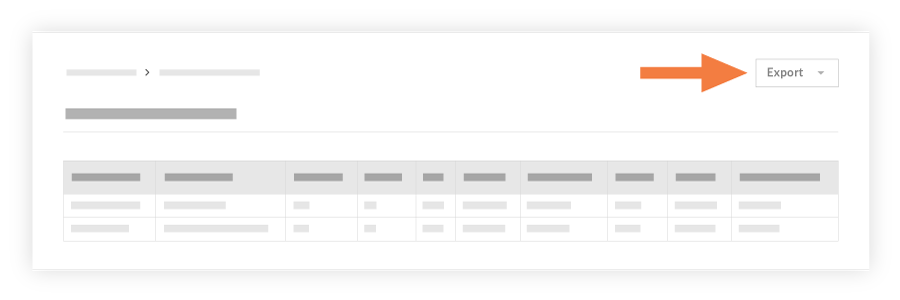
Choose one of the following options:
PDF: This exports a copy of the report to the PDF format.
CSV: This exports a copy of the report to a comma-separated values file.
Quickbooks (if enabled): This exports a copy of the report to an IIF file.
See Also
Loading related articles...