Exporter un rapport de pointage
Éléments à prendre en compte
Formats de fichier d’exportation pris en charge :
Fichier de documents portable (.pdf)
Valeurs séparées par des virgules (.csv)
IIF (Intuit Interchange Format, si activé avec l’outil Feuilles horaires)
Escalier
Accédez à l’outil Pointage de l’entreprise.
Cliquez sur Rapports.
Cliquez sur Rapport de pointage.
Cliquez sur Exporter.
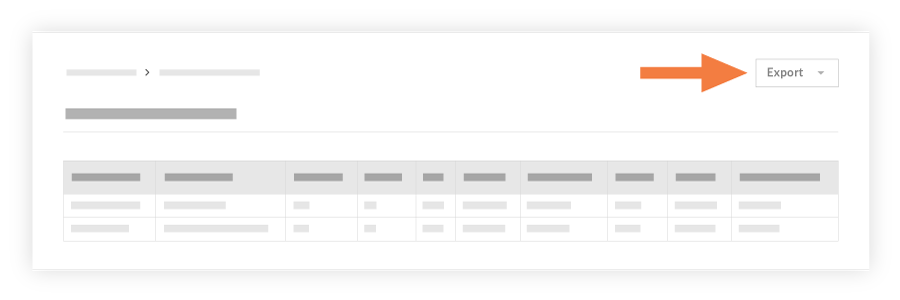
Choisissez l’une des options suivantes :
PDF pour exporter le rapport au format PDF.
CSV pour exporter le rapport dans un fichier de valeurs séparées par des virgules.
Quickbooks pour exporter le rapport dans un fichier IIF.
Voir aussi
Chargement des articles connexes...