Exporter le rapport de production du chantier
Éléments à prendre en compte
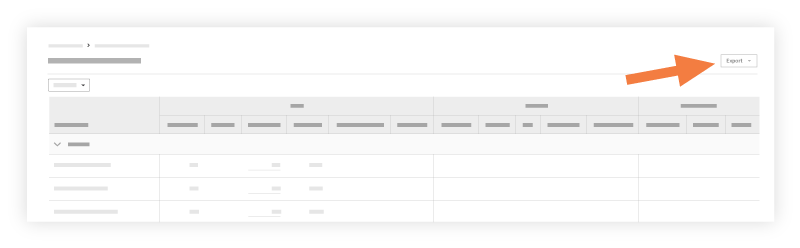
Le rapport peut être exporté au format CSV ou PDF.
Notes
For customers using Procore's Resource Tracking and Project Financials tools, production quantities and hours entered on your project's change orders automatically updates data in these Procore features, when change orders are placed in the 'Approved' status:
The Procore Labor Productivity Cost budget view.
The Field Production Report. See Which data columns are in a Field Production Report?