Enter Production Quantities in Timesheets
Steps
If creating a timesheet, after you have entered the timecard information, click Submit and Add Quantities.
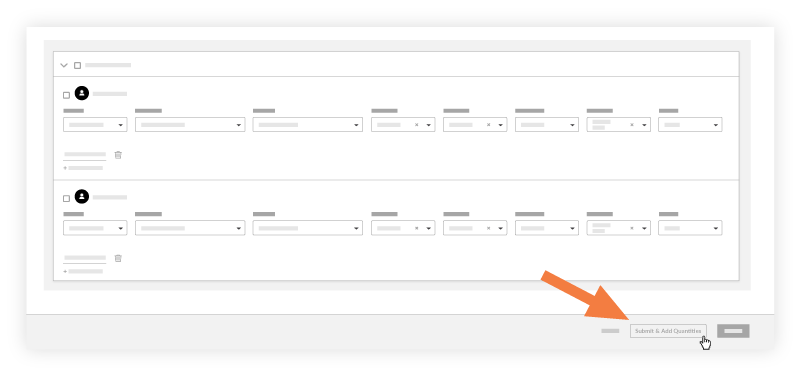
OR
If the timesheet has already been created, navigate to the timesheet, and click Add Quantities for the timecard entry.Enter the amount of Units Installed.
Note
You can only use cost codes that have an imported budgeted quantity associated with it.
Optional: Enter any notes.
Click Submit.