View a Crew
バックグラウンド
現場チームを作成した後、以下の手順を使用してその現場チームに関する情報を表示できます。
考慮すべき事項
前提 条件
ステップス
プロジェクトの [ 現場チーム] ツールに移動します。
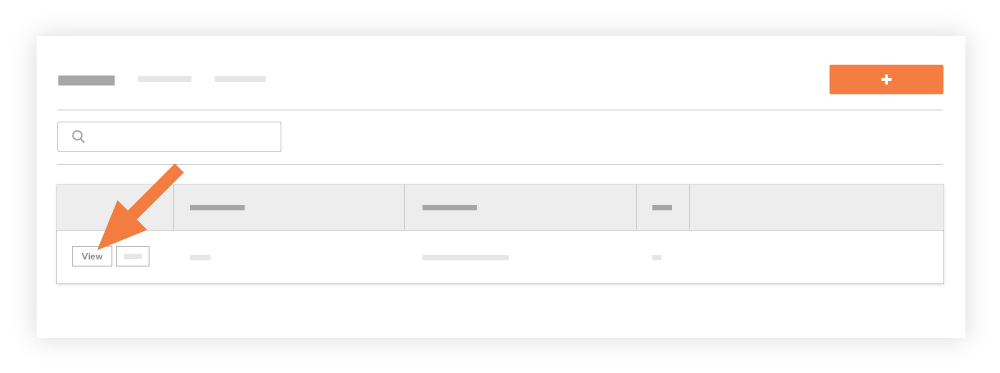
リストで現場チームを見つけます。次に、[ 表示] をクリックします。
これにより、[現場チームを表示] ウィンドウが表示され、現場チームのすべての情報が表示されます。
See Also
Loading related articles...
The only operational page on the V2 Support Site in your preferred locale is the video library page. The full website launch is coming soon.
Looking to find any other content? Return to the V1 Support Site.
The most used Product Manuals across the site
Highlights of newly released Product Manuals
現場チームを作成した後、以下の手順を使用してその現場チームに関する情報を表示できます。
プロジェクトの [ 現場チーム] ツールに移動します。
リストで現場チームを見つけます。次に、[ 表示] をクリックします。
これにより、[現場チームを表示] ウィンドウが表示され、現場チームのすべての情報が表示されます。
Loading related articles...