Add a Classification
Background
Classifications help you categorize employees on a project. You can create a custom list in the Company Admin tool to fit your business needs. Once created, they can be enabled on projects for use in Procore's Resource Tracking tools.
Examples
You might want your classifications to reflect roles in the building trades: Bricklayer, Electrician, and more.
You might want your classifications to reflect a rank in a trade: Apprentice, Journeyman, and more.
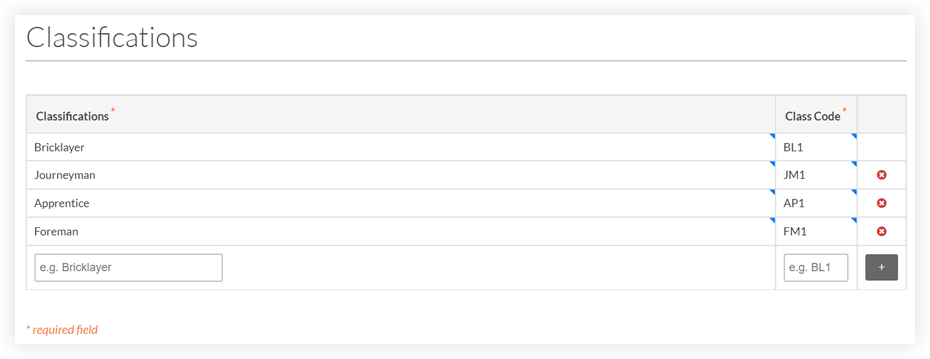
 icon to add the new classification to the list.