Mark an Email as Private
Background
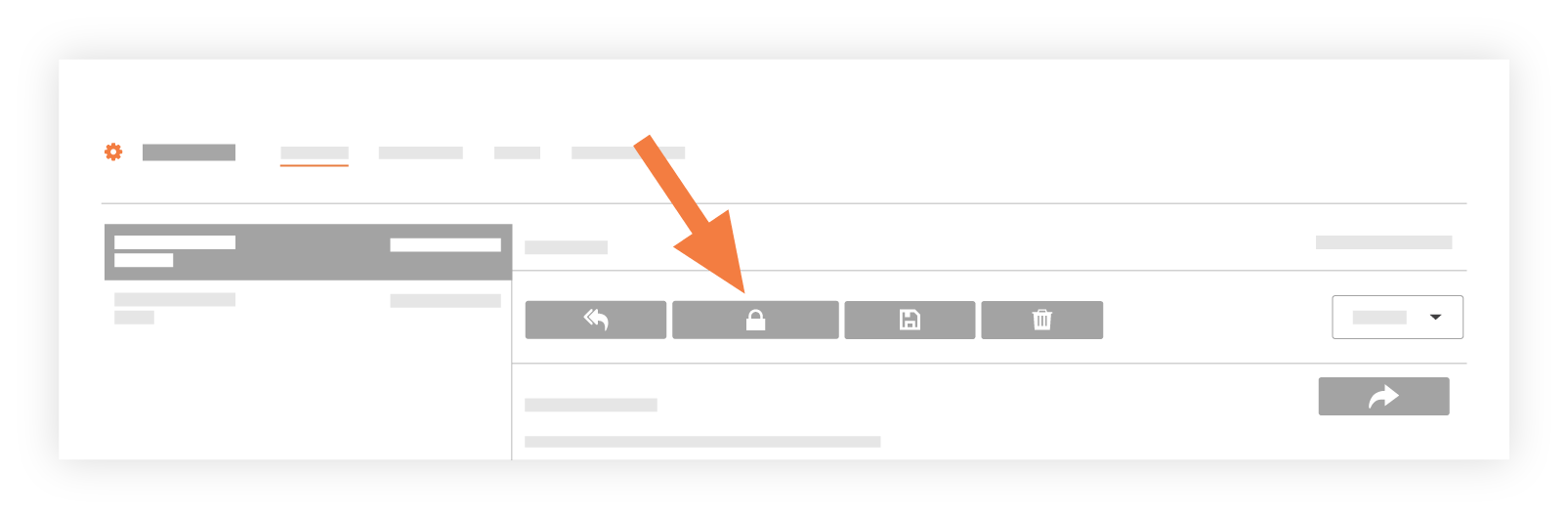
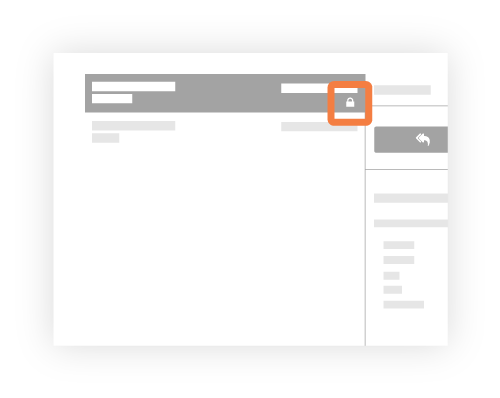
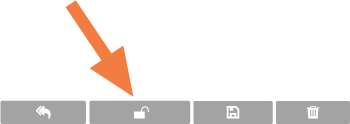
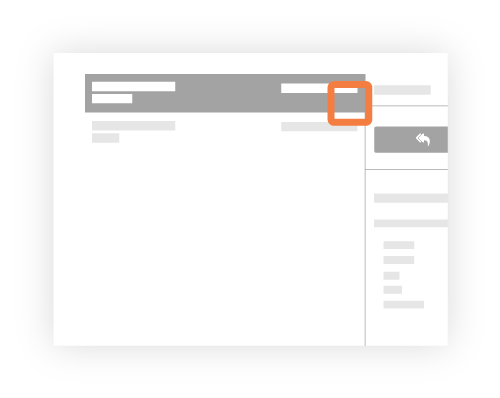
Email messages in the project's Emails tool can be set to Public or Private. In addition, if you are a user with 'Admin' level permission to the Emails tool, you also have the ability to define whether all emails are public or private by default.
See Configure the Email Tool's Settings.
Things to Consider
Required User Permissions:
To make any email private or public, 'Admin' on the project's Emails tool.
To make an email that you created private or public, 'Standard' on the project's Email tool.
Additional Information:
Public. The email message is visible to any user who has 'Read Only' access permission or higher on the project's Emails tool.
Private. The email message is only visible to email recipients and users with 'Admin' level permission on the project's Emails tool.
Important
Users on the 'Default Distribution' list receive every message sent to or from the Emails tool, including private emails and inbound messages. (Admins can set up this list in the tool's Advanced Settings.