Orbit a 3D Model in the Models Tool
Orbiting a 3D model in the project's Models tool lets you view your design from every angle. This mode enables you to rotate the camera perspective fluidly around a central point to thoroughly inspect specific structural layouts.
Things to Consider
Additional Information:
You can use a mouse or supported trackpad on a web browser to ensure optimal navigation and precision while spinning the camera.
Prerequisites
You must open an active 3D model in the viewer before you can access the Orbit Tool.
Choose a clear focal point on your structure to make the orbiting behavior easier to track.
Steps
Navigate to the project's Models tool.
Locate the tile for the model to work with.
Click the tile to open the model.
Navigate to the desired location in the model.
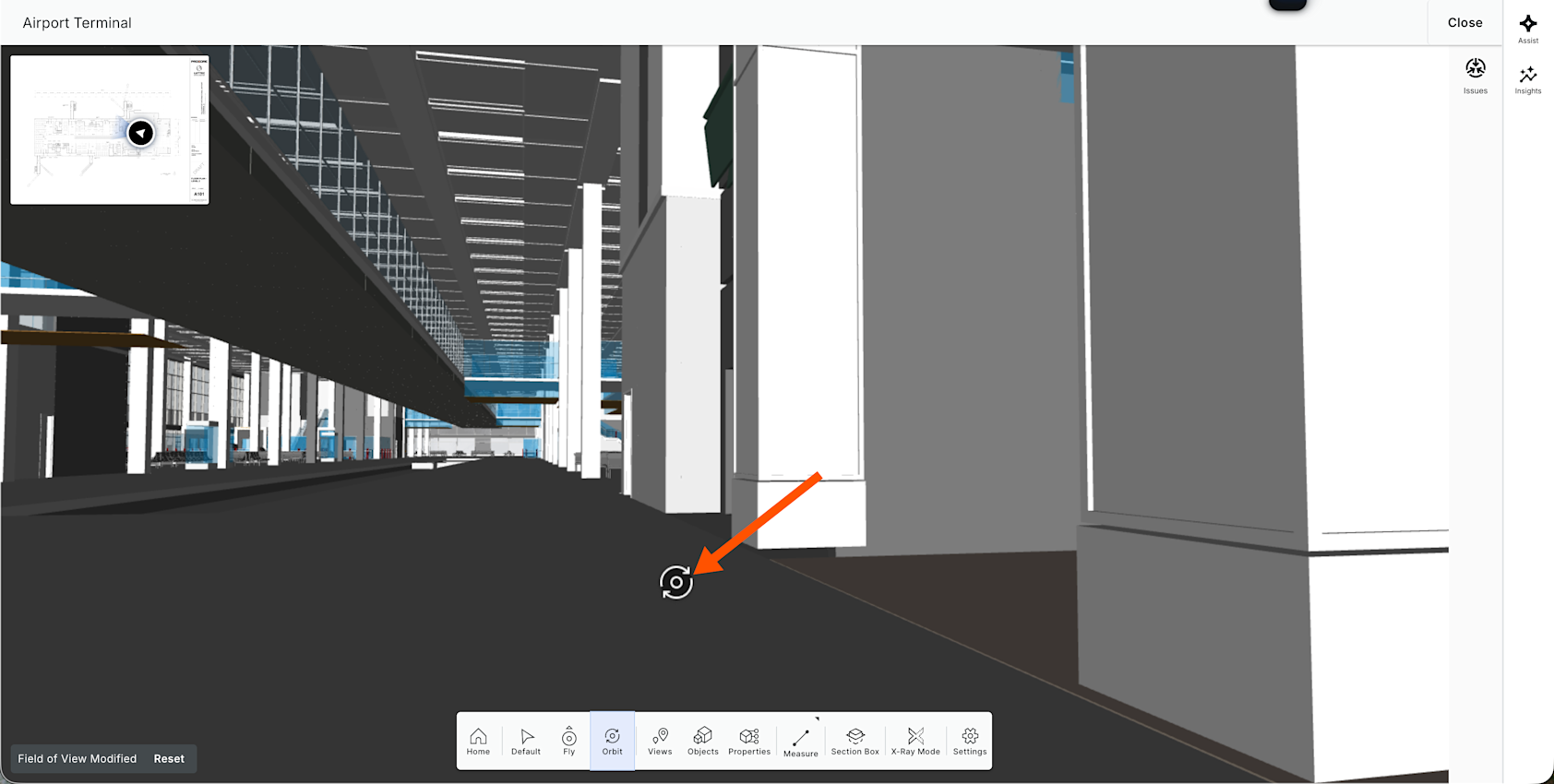
In the toolbar, click the Orbit Tool
 icon.
icon.Click, hold, and move the mouse to orbit the model.
See Also
Loading related articles...