Add Votes and Comments
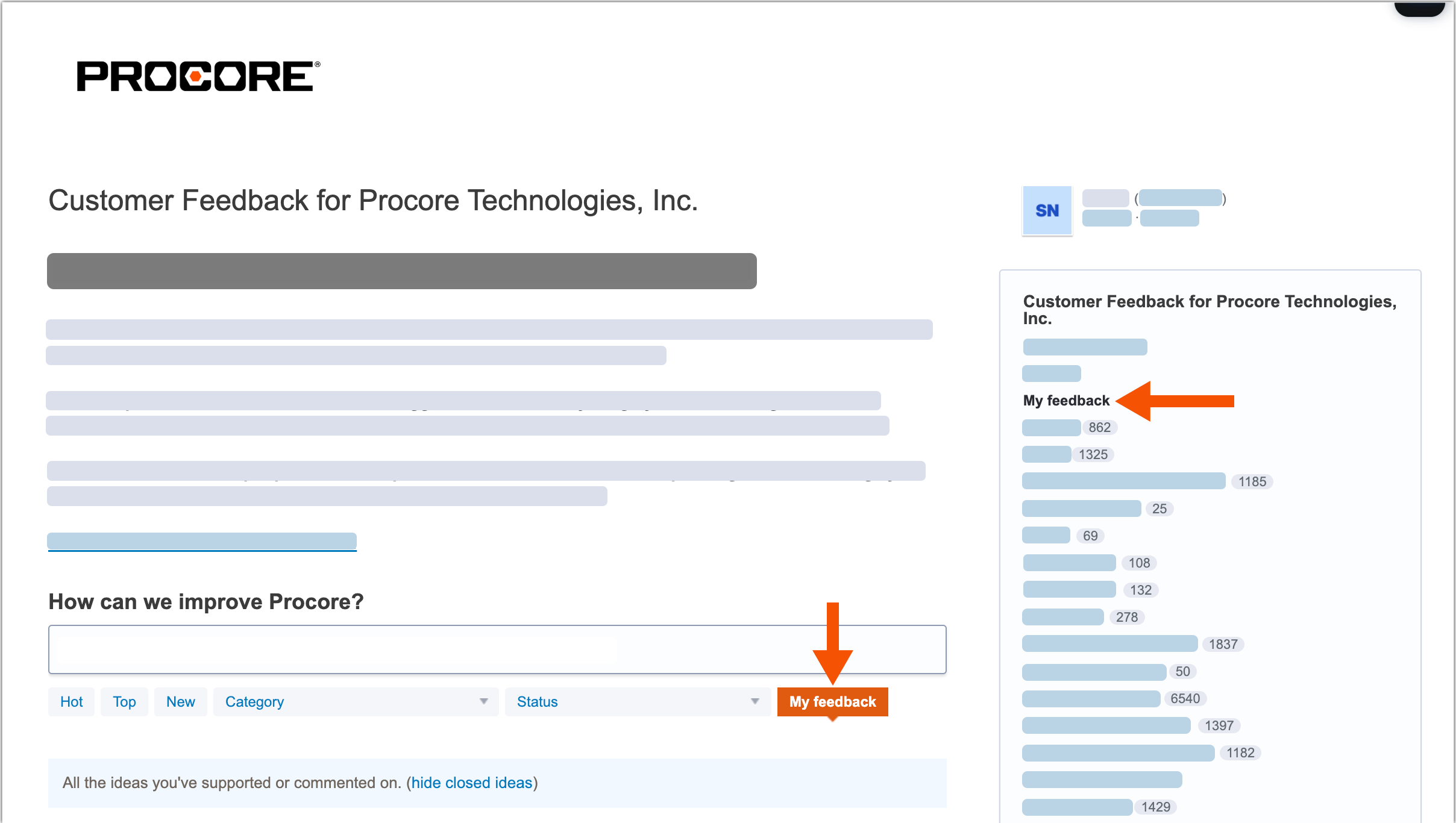
You can add votes to support the ideas submitted by other Procore users. You can also add comments to discuss ideas. Once submitted, use the My Feedback link to see a list of the ideas you've supported and your comments.
Access the Forum
After signing into the Procore Feedback Forum (feedback.procore.com) with your Procore credentials, you have these options.
Vote on an Idea
Find an idea to support.
Click the Vote button.
Add a Comment on an Idea
Find an idea to support.
Click the # Comments link under the post.
Enter your feedback in the Add a Comment box.
(Optional) Click Attach a File to upload a file or image with your comment.
Click Post a Comment.
Review Your Feedback
Go to the Procore Feedback Form (feedback.procore.com) and sign in.
Click one of the My Feedback links.