Sign My Time Entries (Android)
Background
After My Time timecard entries have been created, employees can sign their time entries, confirming that their timecard information is accurate. Employees can sign for a single day, or apply the same signature to all entries within a work week.
Things to Consider
Steps
Sign Daily Time Entries
Sign All Time Entries for a Week
Sign Daily Time Entries
Navigate to the project's My Time tool using the Procore app on an iOS mobile device.
Tap Day.
Navigate to the day with the time entry you want to sign.
Tap the signature
 icon.
icon.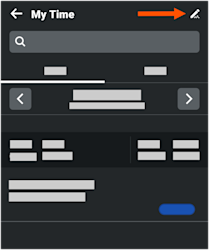
Add your signature.
Tap Submit.
Sign All Time Entries for a Week
Navigate to the project's My Time tool using the Procore app on an iOS mobile device.
Tap Week.
Navigate to the week with the time entries you want to sign.
Tap the signature
icon.Add your signature.
Tap Submit.
See Also
Loading related articles...